Prompts & settings · 3-page visual guide
Give a local model a clear system prompt
Use LlamaBox's System Prompt setting to describe the task, tone and boundaries you want a model to follow. Test the instruction on a short task and review the result.
Preview the guide

Illustrative app visuals show setup and controls, not benchmark results. Read the key points below or open the original PDF.
Read the guide
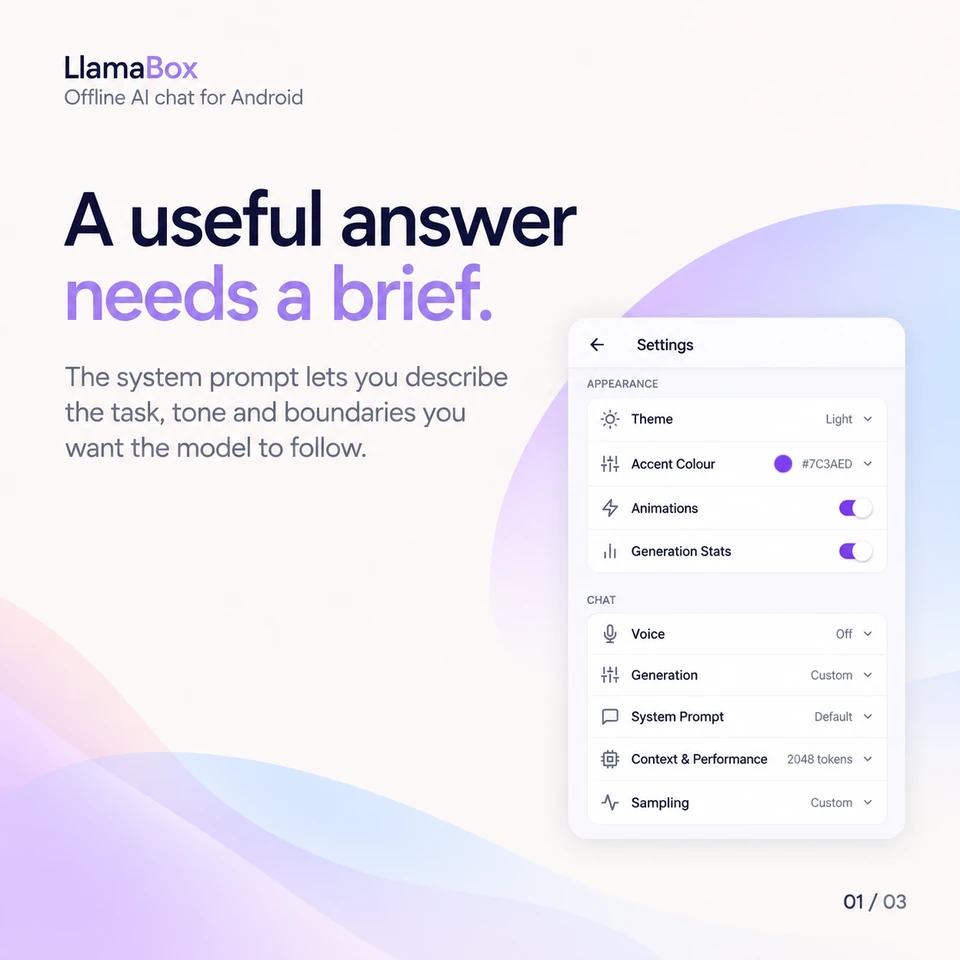
A useful answer needs a brief.
The system prompt lets you describe the task, tone and boundaries you want the model to follow.
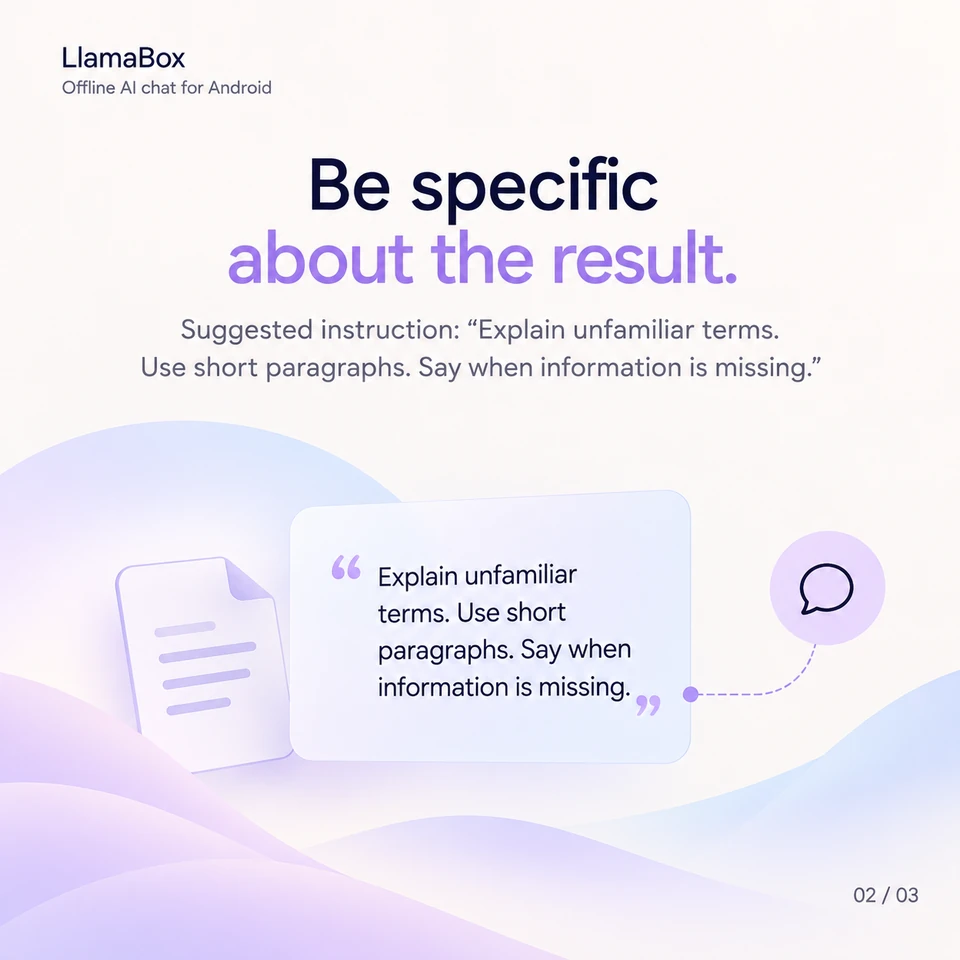
Be specific about the result.
Suggested instruction: “Explain unfamiliar terms. Use short paragraphs. Say when information is missing.”
A prompt guides. You still judge.
Try your instruction on a short task. Review the result and refine the brief when needed.
Can a system prompt guarantee a correct answer?
No. Instructions can guide a model, but they do not guarantee factual accuracy. Check important details and refine the brief based on the response.
Further reading: Browse more local AI guides. Product behavior: LlamaBox facts and privacy policy.
Available on Google Play
Try it on your Android.
Install LlamaBox, load a compatible model and start with one short task.