
Getting started
Meet LlamaBox: offline AI chat on Android
LlamaBox is an Android app that runs compatible GGUF models on your phone. Download or import a model, load it, then chat locally without a LlamaBox account.
The LlamaBox library
10 short visual guides for your Android. Get set up, choose a compatible model and make the settings work for you.
Read every guide here, preview its three pages, or keep the original PDF. No signup required.
A model, a little setup, one useful question.
Open the checklist 10 guides 30 illustrated pages10 guides · Read online or download PDF
Getting started
LlamaBox is an Android app that runs compatible GGUF models on your phone. Download or import a model, load it, then chat locally without a LlamaBox account.
Getting started
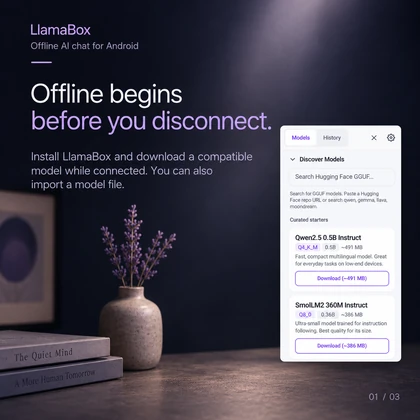
Prepare LlamaBox while you have a connection: install the app, download or import a compatible model, and load it. Local text generation can then work without Wi-Fi or mobile data.
Models & memory
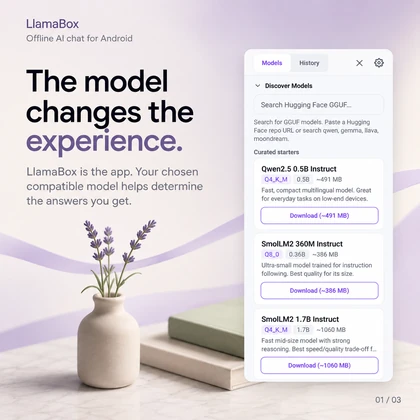
Choose a compatible model around a task you can evaluate. Compare the same question across models and consider whether each one loads reliably on your phone.
Models & memory
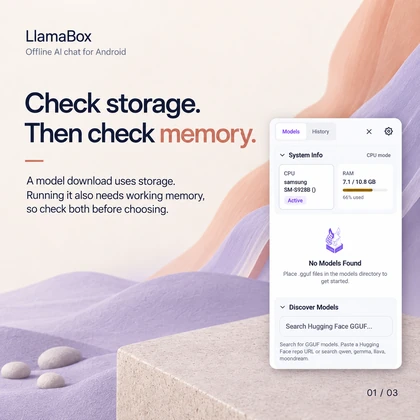
A model file uses storage, while running it also needs working memory. A download that fits on your phone can still fail to load because of memory limits or model compatibility.
Prompts & settings
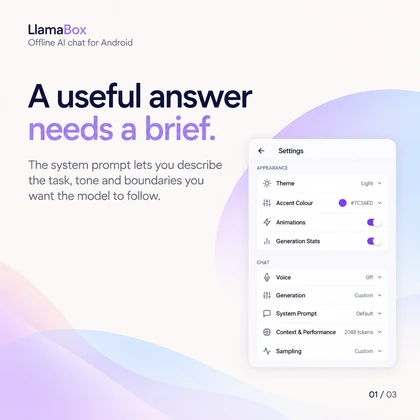
Use LlamaBox's System Prompt setting to describe the task, tone and boundaries you want a model to follow. Test the instruction on a short task and review the result.
Prompts & settings
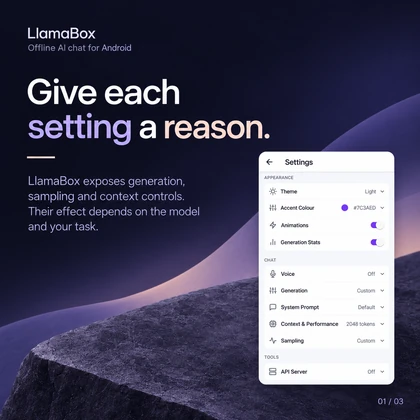
LlamaBox exposes generation, sampling and context controls. Compare settings while keeping the prompt steady, and remember that larger context settings can require more memory.
Privacy
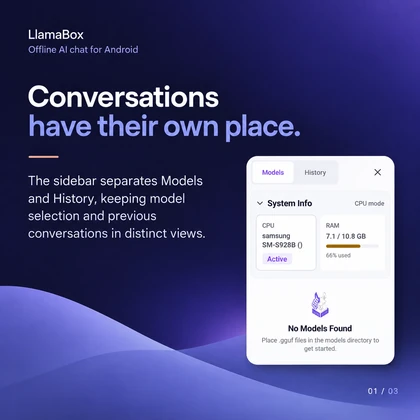
LlamaBox runs compatible model inference locally and stores conversations on the device. Model downloads need internet, and the selected Android text-to-speech engine may also use the network.
Everyday use
Paste a short passage into LlamaBox after loading a compatible model, then ask for practice questions. Compare generated explanations with your notes or textbook before relying on them.
Everyday use
Paste a short draft, describe the intended reader and ask a compatible local model for a focused rewrite. Check names, numbers and meaning before using the result.
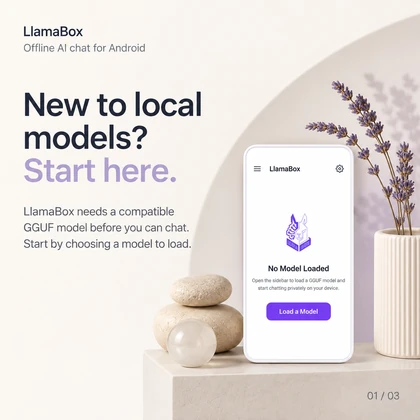
Getting started
Install LlamaBox, choose a compatible GGUF model, check storage and available memory, then load it. Begin with one short question you can assess before attempting a longer task.
Try a broader topic or reset the filters.
LlamaBox runs compatible GGUF models on Android. Download or import a model first, then load it for local chat. Available memory and model support vary by device.
These guides explain setup and everyday tasks. They do not promise a particular speed or answer quality. For details, read the product facts, network behavior and device-testing notes.