Everyday use · 3-page visual guide
Use a short passage for offline study practice
Paste a short passage into LlamaBox after loading a compatible model, then ask for practice questions. Compare generated explanations with your notes or textbook before relying on them.
Preview the guide
Illustrative app visuals show setup and controls, not benchmark results. Read the key points below or open the original PDF.
Read the guide
Turn a paragraph into practice.
Try using a short passage as the starting point for a study conversation with a compatible local model.
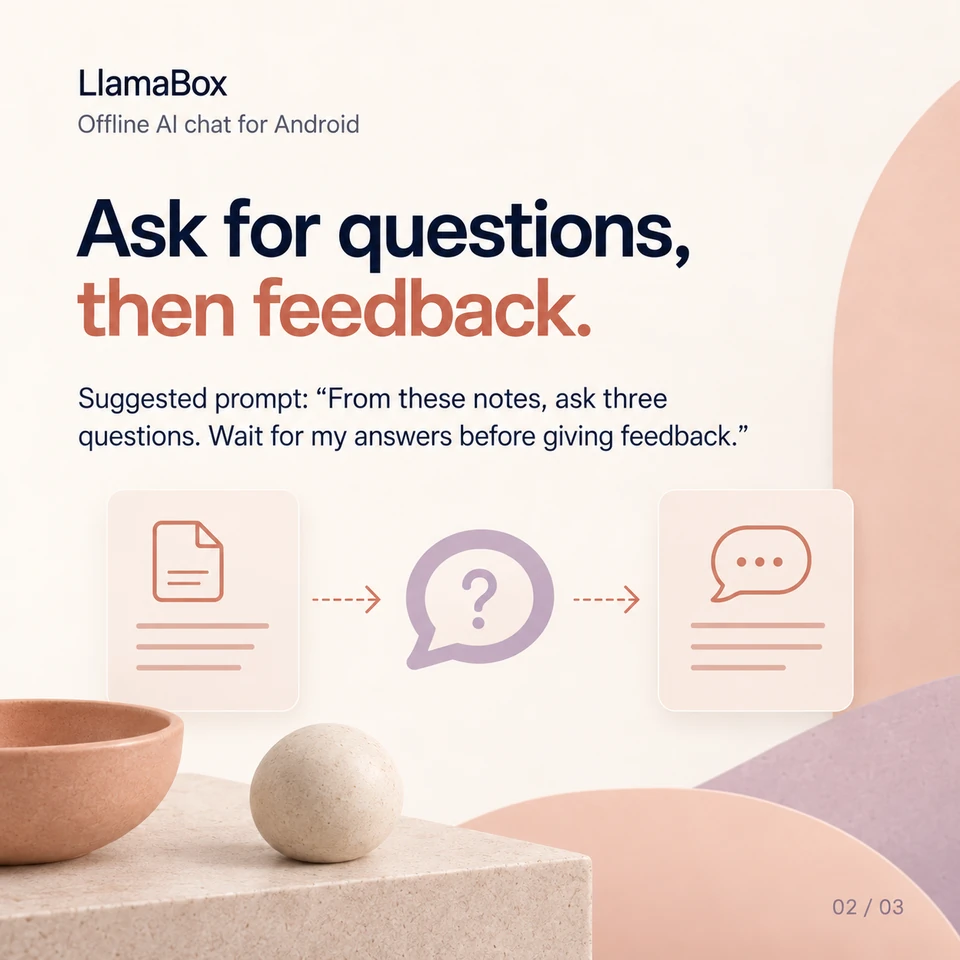
Ask for questions, then feedback.
Suggested prompt: “From these notes, ask three questions. Wait for my answers before giving feedback.”
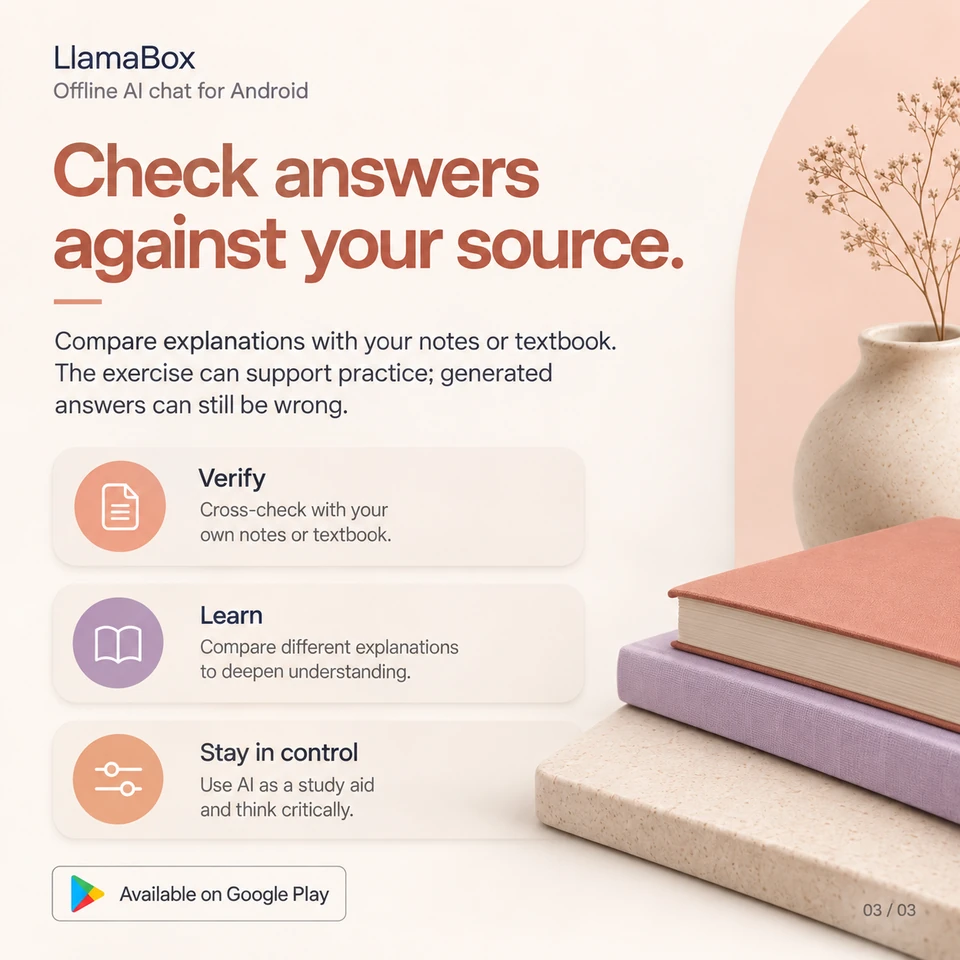
Check answers against your source.
Compare explanations with your notes or textbook. The exercise can support practice; generated answers can still be wrong.
Does this guide require importing a textbook PDF?
No. This example uses a short passage you paste into chat. It does not claim automatic PDF ingestion, and generated explanations can still be wrong.
Further reading: Learn about offline AI chat. Product behavior: LlamaBox facts and privacy policy.
Available on Google Play
Try it on your Android.
Install LlamaBox, load a compatible model and start with one short task.