Everyday use · 3-page visual guide
Review a draft with local AI on Android
Paste a short draft, describe the intended reader and ask a compatible local model for a focused rewrite. Check names, numbers and meaning before using the result.
Preview the guide

Illustrative app visuals show setup and controls, not benchmark results. Read the key points below or open the original PDF.
Read the guide
Start with words you already have.
Paste a short draft into chat. Ask a compatible local model to improve clarity for a specific reader.
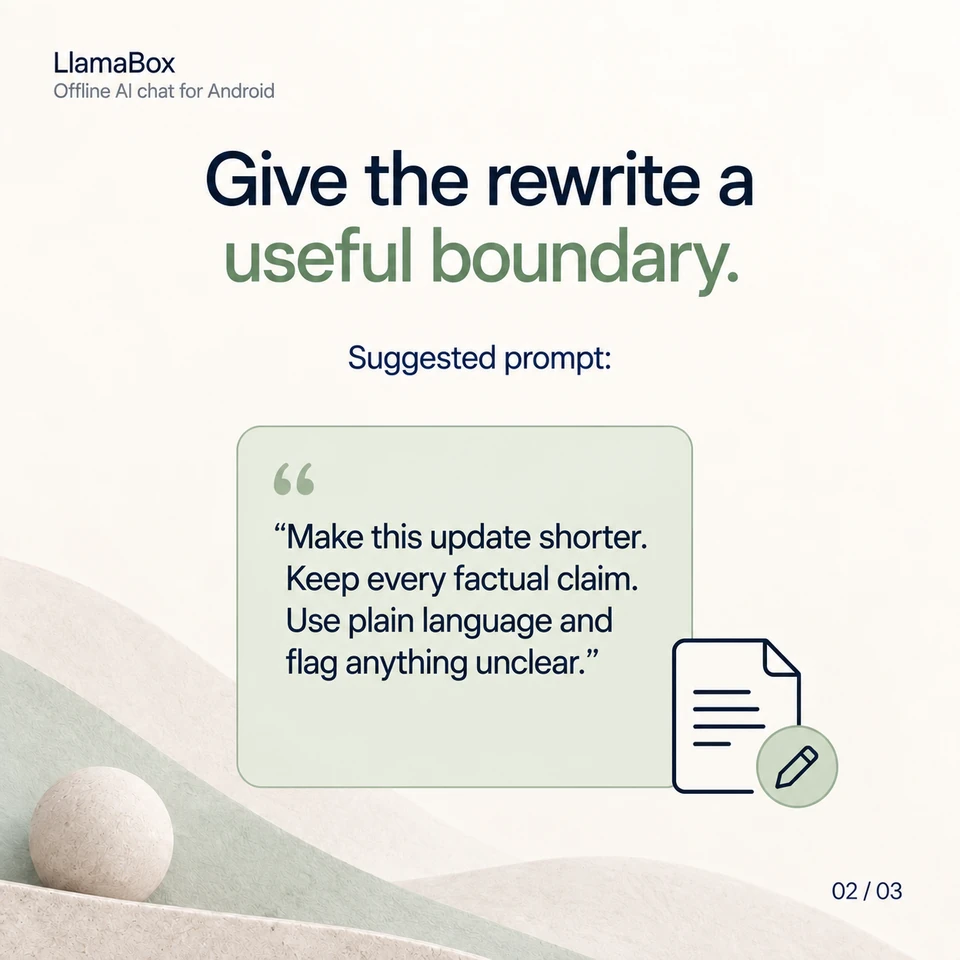
Give the rewrite a useful boundary.
Suggested prompt: “Make this update shorter. Keep every factual claim. Use plain language and flag anything unclear.”
Keep ownership of the final message.
Review names, numbers and meaning. Copy the finished draft into the place where you want to use it.
Will LlamaBox send the rewritten message for me?
This workflow ends with your review. You choose the final wording and manually copy it into the place where you want to send or publish it.
Further reading: Explore private local chat. Product behavior: LlamaBox facts and privacy policy.
Available on Google Play
Try it on your Android.
Install LlamaBox, load a compatible model and start with one short task.