Getting started · 3-page visual guide
Set up AI chat before you go offline
Prepare LlamaBox while you have a connection: install the app, download or import a compatible model, and load it. Local text generation can then work without Wi-Fi or mobile data.
Preview the guide
Illustrative app visuals show setup and controls, not benchmark results. Read the key points below or open the original PDF.
Read the guide
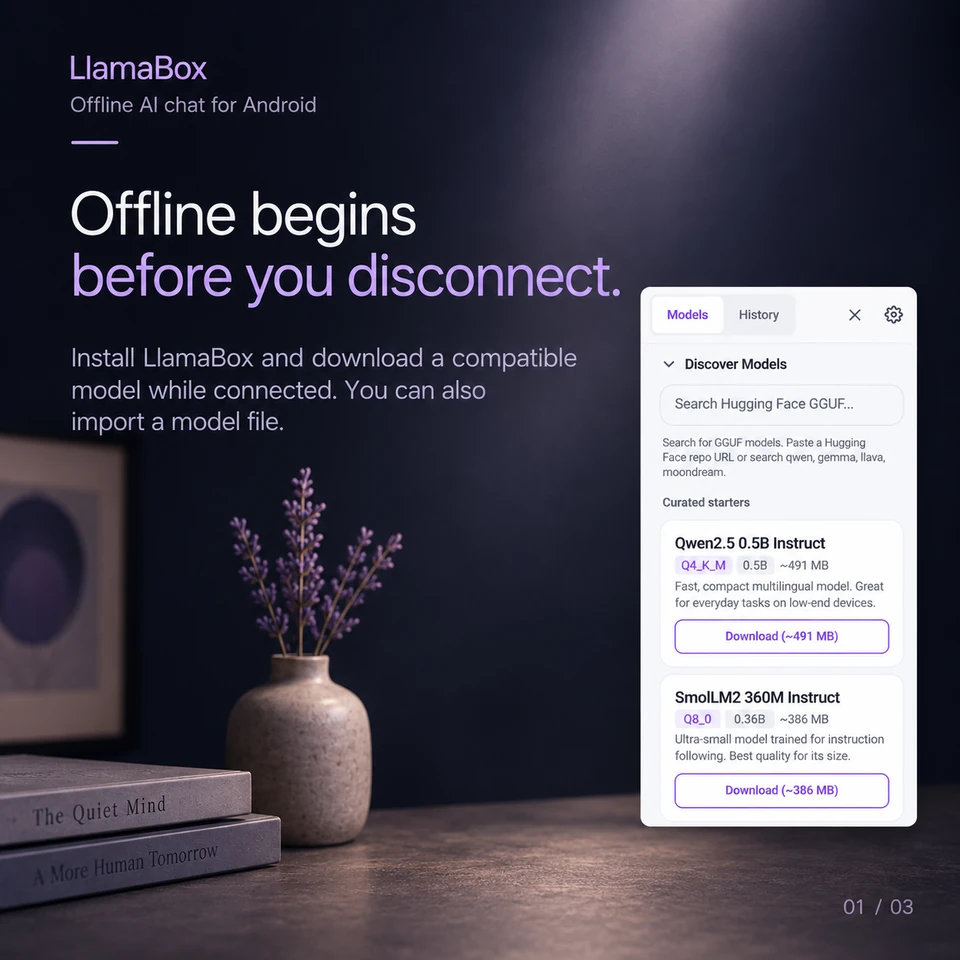
Offline begins before you disconnect.
Install LlamaBox and download a compatible model while connected. You can also import a model file.
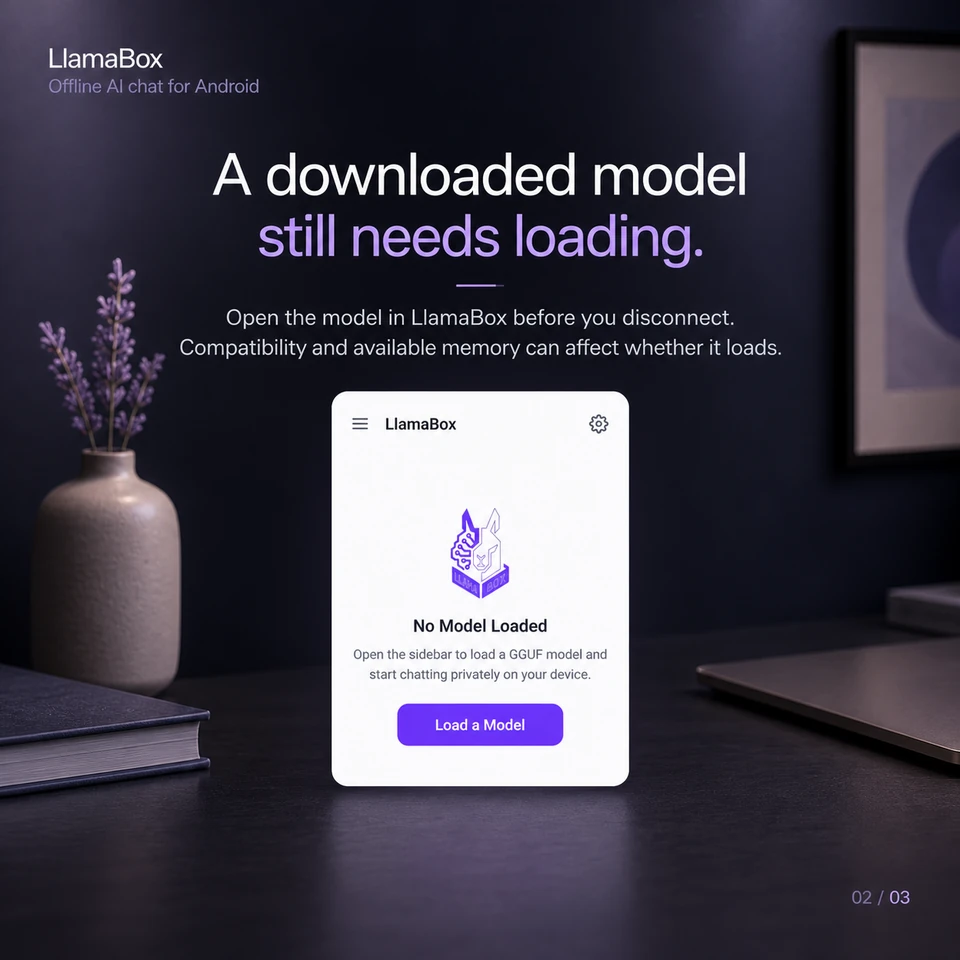
A downloaded model still needs loading.
Open the model in LlamaBox before you disconnect. Compatibility and available memory can affect whether it loads.
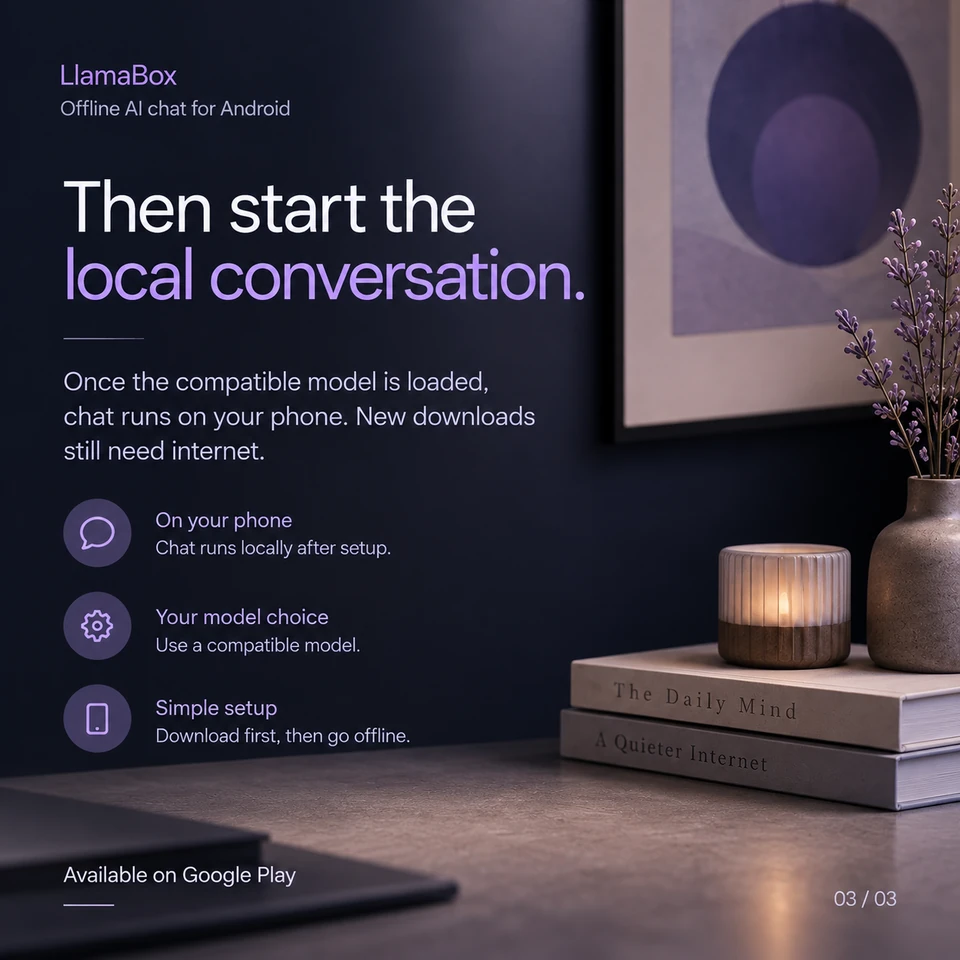
Then start the local conversation.
Once the compatible model is loaded, chat runs on your phone. New downloads still need internet.
Is downloading a model enough to start chatting?
No. The file must also be compatible with the app and loaded successfully. Confirm a short chat works before relying on an offline session.
Further reading: Read the complete Android setup guide. Product behavior: LlamaBox facts and privacy policy.
Available on Google Play
Try it on your Android.
Install LlamaBox, load a compatible model and start with one short task.