Getting started · 3-page visual guide
Your first local AI chat: a short checklist
Install LlamaBox, choose a compatible GGUF model, check storage and available memory, then load it. Begin with one short question you can assess before attempting a longer task.
Preview the guide
Illustrative app visuals show setup and controls, not benchmark results. Read the key points below or open the original PDF.
Read the guide
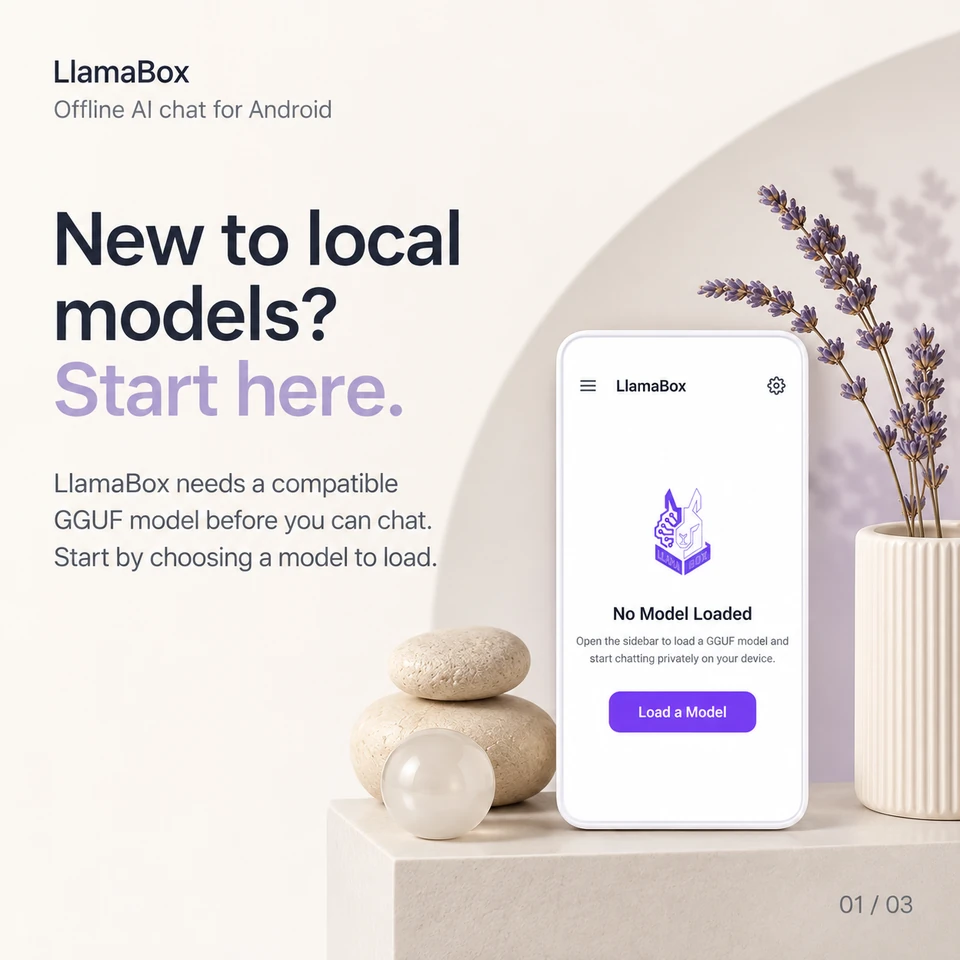
New to local models? Start here.
LlamaBox needs a compatible GGUF model before you can chat. Start by choosing a model to load.
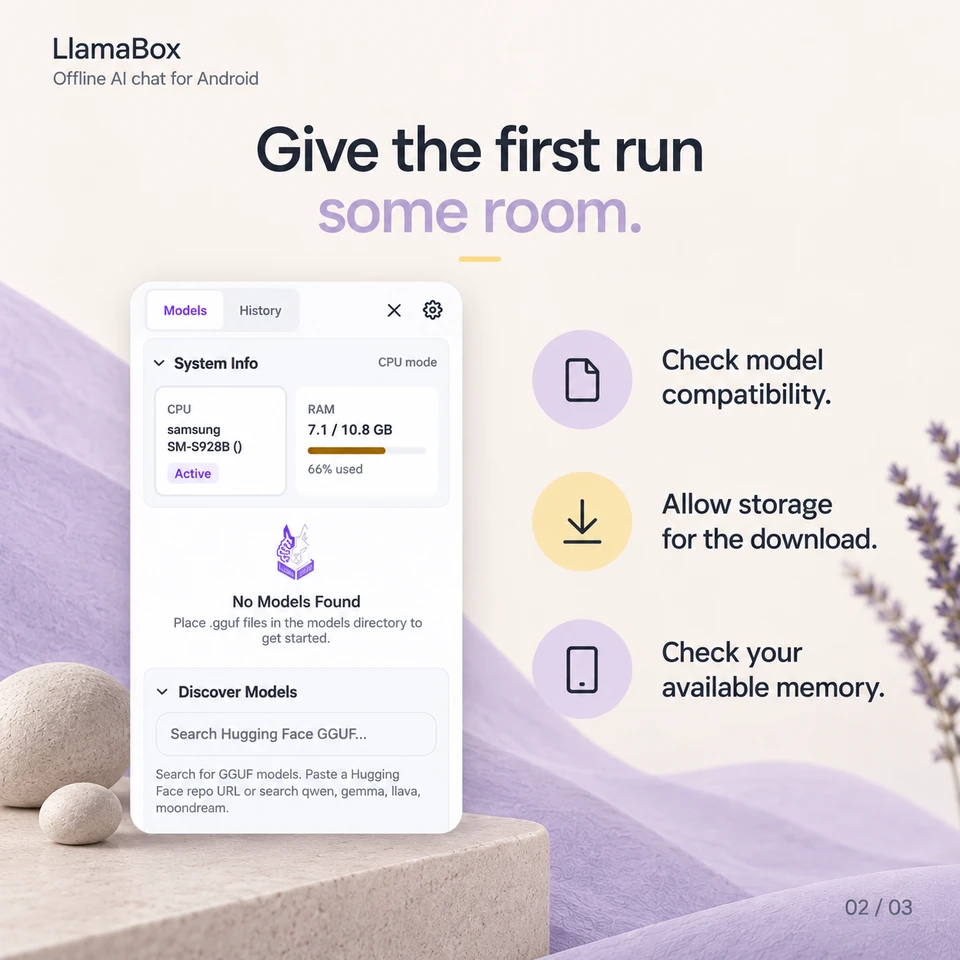
Give the first run some room.
- Check model compatibility.
- Allow storage for the download.
- Check your available memory.
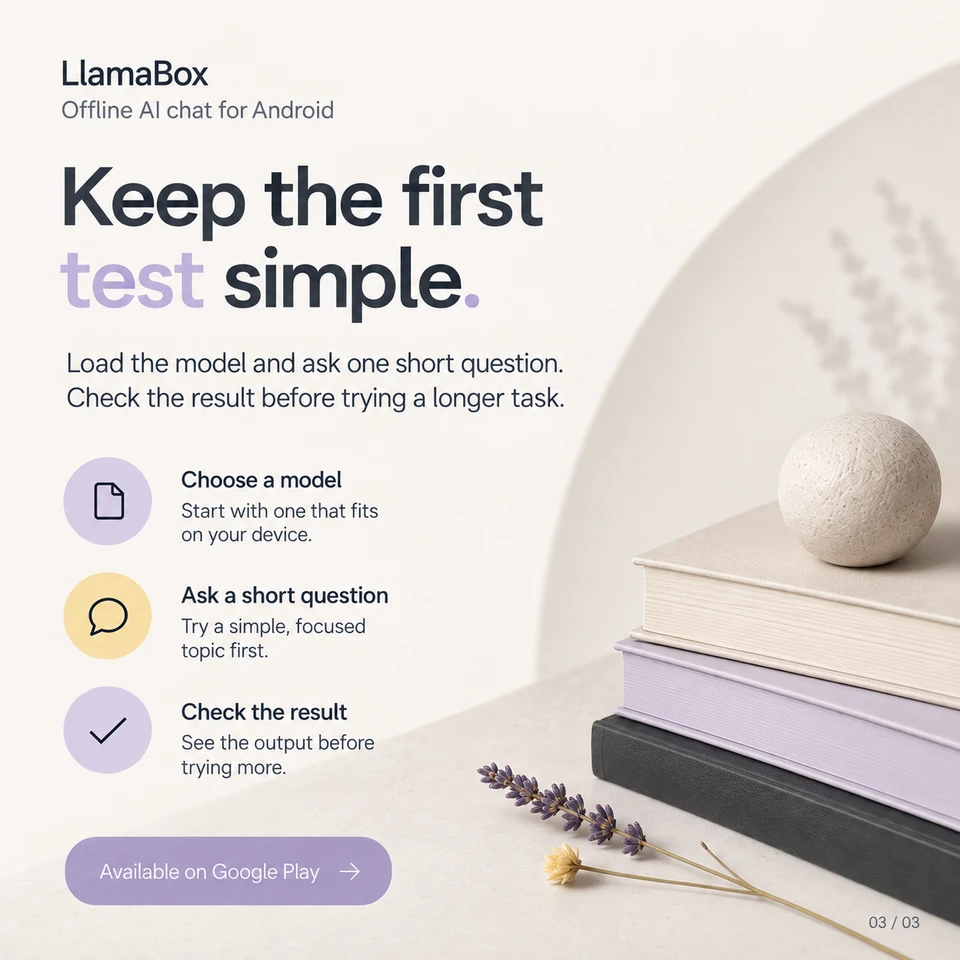
Keep the first test simple.
Load the model and ask one short question. Check the result before trying a longer task.
Do I need a LlamaBox account to get started?
No LlamaBox account is required for local chat. You still need a compatible model on your device; downloads use the internet.
Further reading: Get LlamaBox for Android. Product behavior: LlamaBox facts and privacy policy.
Available on Google Play
Try it on your Android.
Install LlamaBox, load a compatible model and start with one short task.