Tutorial
How to run an LLM on Android offline.
Five practical steps. No root. No API keys for chat.
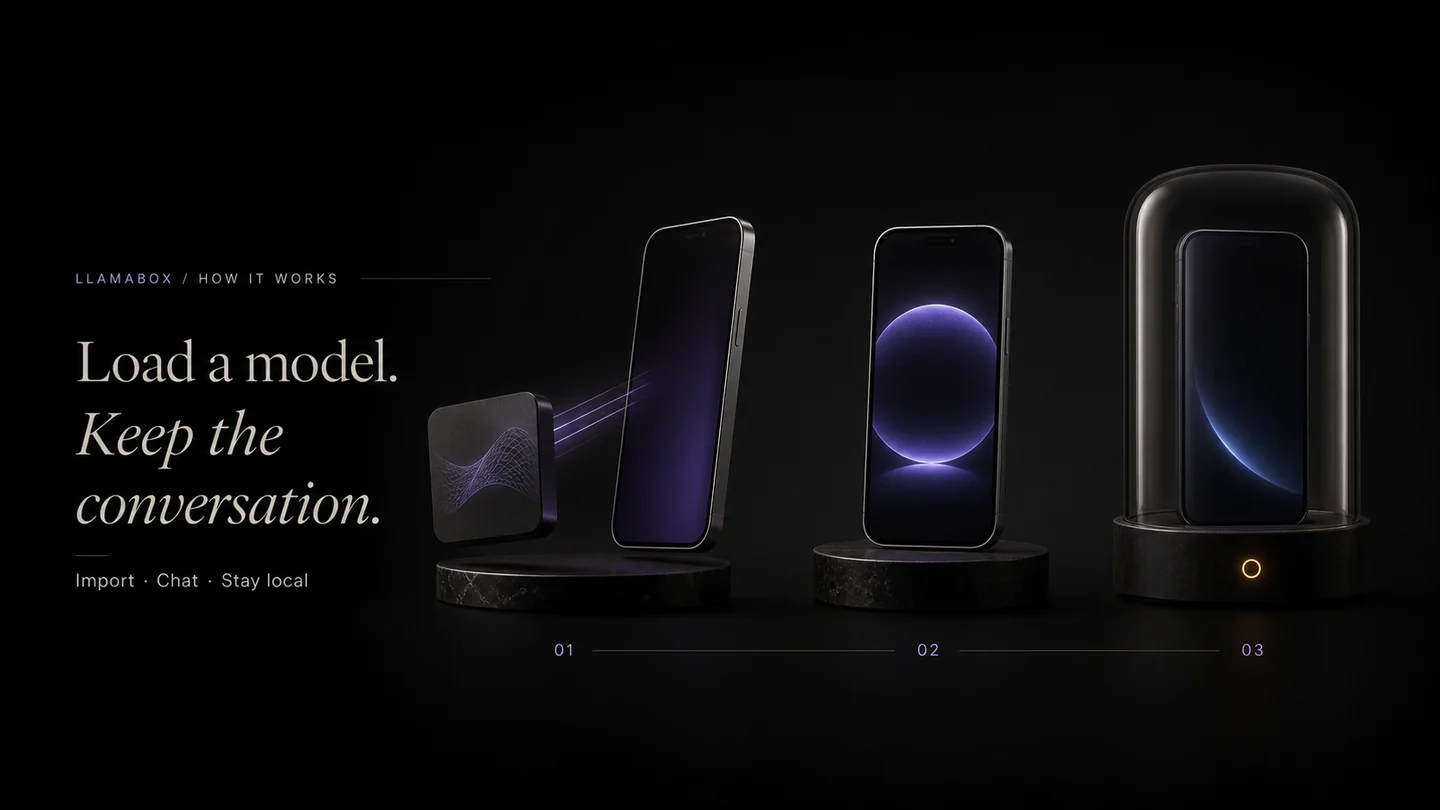
Before you start
- Android 7.0+, arm64
- Free storage for the model file
- Realistic expectations: device-dependent performance
Steps
- Install LlamaBox — Google Play download for package
com.llamabox. - Install the build you receive (status on download).
- Get a GGUF — start small (0.5B–1B class Q4_K_M) via hub or import.
- Load the model; wait through initialization; time varies by device and model.
- Chat offline — optional airplane mode to prove the loop is local.
Optional: vision
Pick a vision-capable model with mmproj. Attach a photo; encoding runs on-device (CPU path for UI stability).
Troubleshooting
- Slow tokens — smaller model, fewer threads contention, lower context
- OOM / crash on load — smaller quant or model
- Need network? — only for the download step
FAQ
Do I need root?
No. LlamaBox targets standard Android 7.0+ arm64 devices.
Why is generation slow?
Phone CPUs are limited. Use smaller models, lower context, and close background apps. LlamaBox is CPU by default; experimental acceleration may be available on supported devices.
What if the app runs out of memory?
Choose a smaller GGUF / heavier quantization, reduce context, and free RAM.
Available on Google Play
Try private offline AI on Android.
Install from Google Play, download a compatible model, then chat offline.