LlamaBox vs Ollama — the Android question.
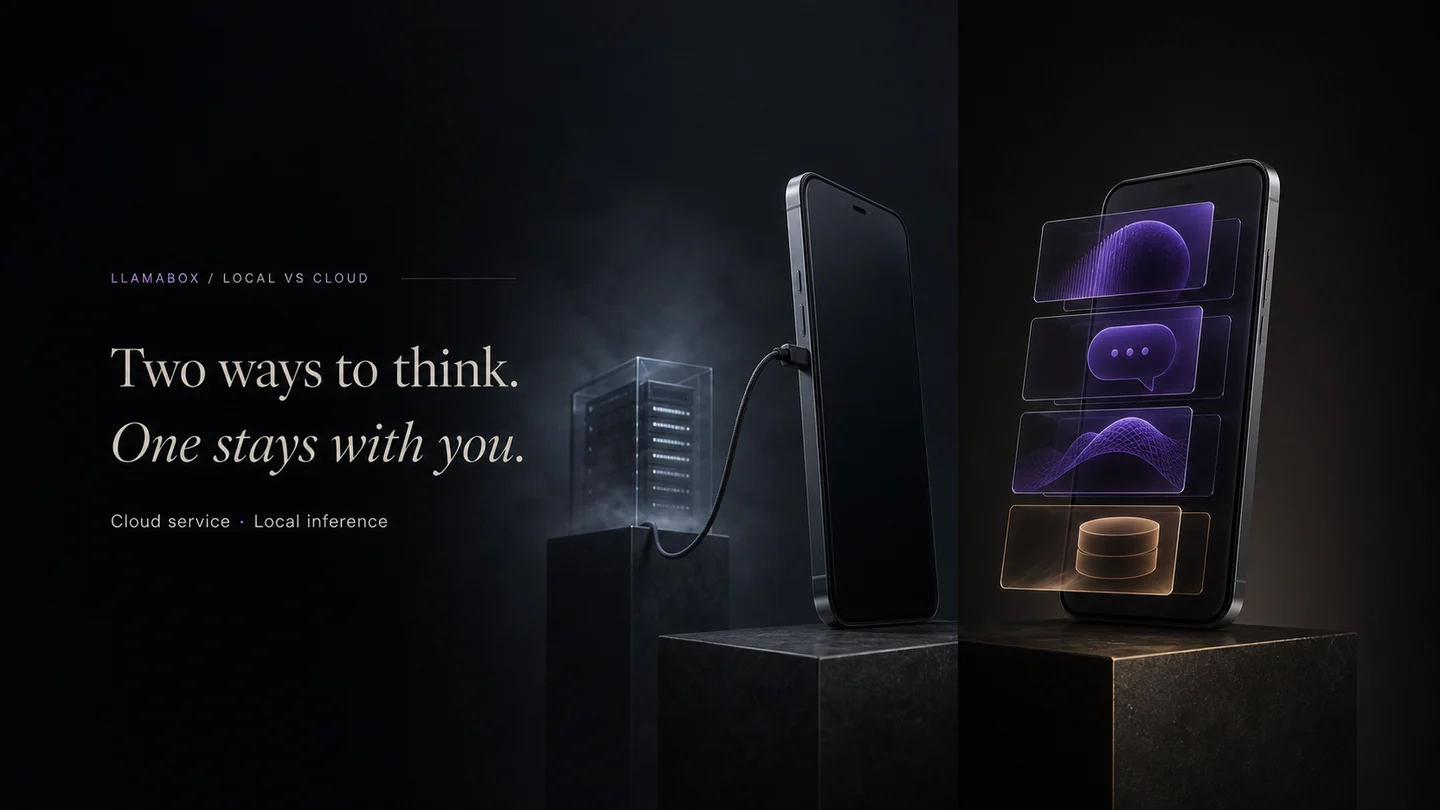
Ollama owns the desktop/server local-LLM workflow. LlamaBox brings the same GGUF model world to Android phones. If you searched for an Ollama Android app, this is the answer.
The short answer
There is no official Ollama Android release. Ollama's supported platforms are macOS, Linux, and Windows. If you need local LLM chat on Android, LlamaBox is built for exactly that: load a GGUF model, chat offline, no cloud inference.
Why the comparison matters
Users who discover local LLMs through Ollama naturally want the same experience on their phone. They search for "ollama android" and find workarounds — Termux, remote tunnels, or unofficial clients. LlamaBox is a real Android app with a mobile-first interface, designed for the phone's battery, RAM, and storage constraints.
| LlamaBox | Ollama (typical) | |
|---|---|---|
| Android app | Yes — built for Android 7+ arm64 | No official Android app |
| Primary device | Android phone / tablet | Desktop / laptop / server |
| UX | Mobile chat app | CLI + apps ecosystem |
| Always with you | Yes | If the machine is with you |
| Power envelope | Phone SoC / battery | Wall power / desktops often |
| Model format | GGUF via llama.cpp stack | GGUF ecosystem |
| Offline use | Designed for offline chat | Local once set up, but not mobile |
| Best for | Private pocket AI | Dev workflows, heavier local models |
How to get local LLMs on Android today
- Install LlamaBox from the Play Store or GitHub releases.
- Download a small GGUF model (0.5B–3B Q4_K_M) over Wi-Fi.
- Chat offline. No account, no API key, no desktop server.
Many builders will use both: Ollama on a workstation, LlamaBox on the phone. Related: GGUF on Android · on-device LLM · offline AI Android.
FAQ
Can you run Ollama on Android?
Is there an Ollama Android app?
Why use LlamaBox instead of Ollama on Android?
Do LlamaBox and Ollama use the same models?
Try private offline AI on Android.
Install from Google Play, download a compatible model, then chat offline.