Offline AI for Android.
The best offline AI assistant is the one that works when the network does not. LlamaBox runs local LLMs on your phone — private, account-free, and airplane-mode ready.
What “offline AI Android” actually means
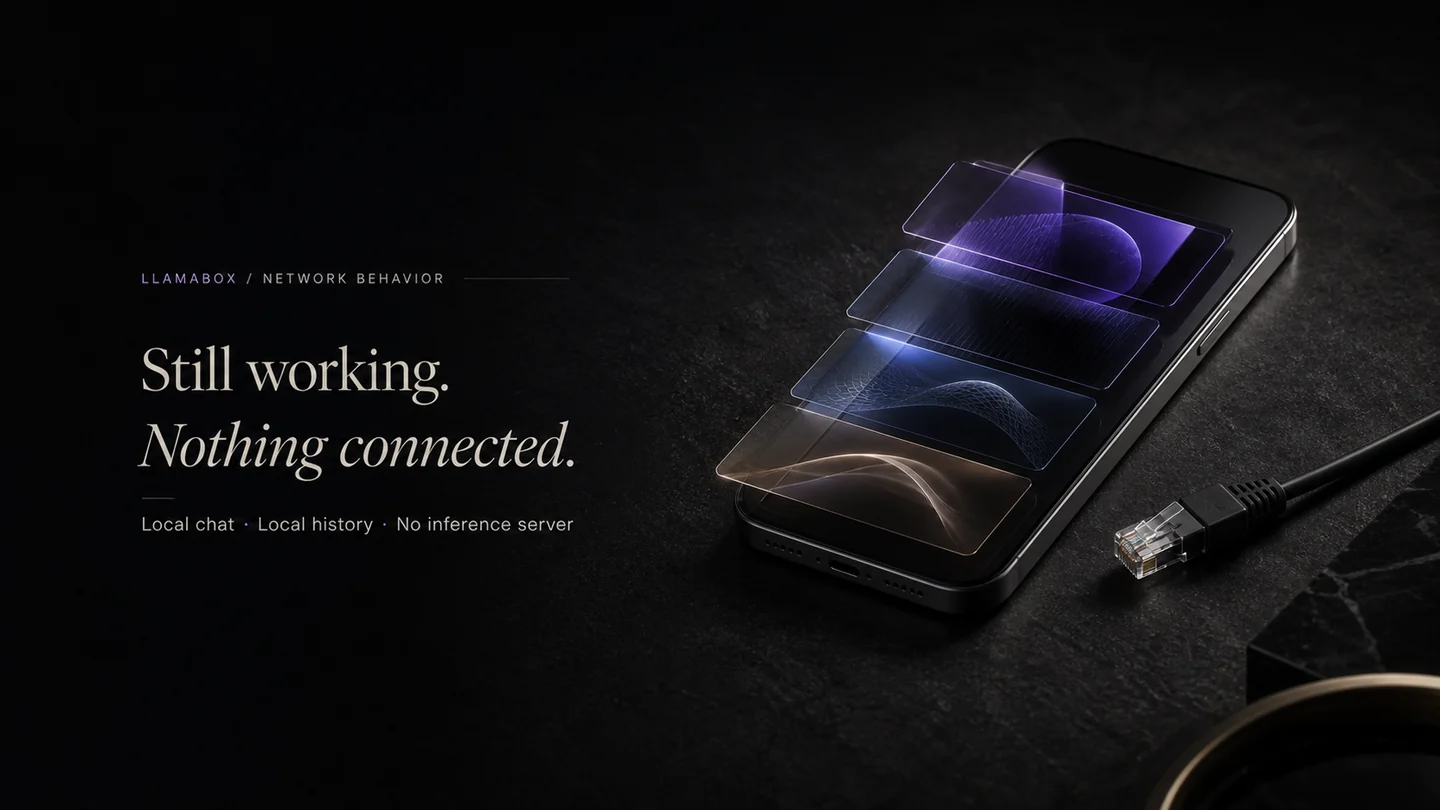
Offline AI on Android is a chat assistant that loads a language model onto the phone and runs inference locally. Once the model file is stored, you can chat without Wi-Fi, mobile data, or a cloud account. For journalists, travelers, students, field workers, and privacy-conscious users, that changes everything.
How LlamaBox delivers offline AI
- GGUF models via llama.cpp (through llama.rn on React Native)
- CPU-default inference — works on broad Android 7.0+ arm64 hardware
- No account graph, no cloud inference endpoint, no app analytics or conversation telemetry
- Optional vision with on-device multimodal models + mmproj
- Local history in SQLite, TTS readback, and system monitoring
LlamaBox vs other offline AI Android options
Several apps claim offline AI on Android. Here is how LlamaBox compares to the most-discussed alternatives:
- Layla — private offline assistant for Android and iOS. LlamaBox differentiates with open-weight GGUF models, no vendor lock-in, and a CPU-default stack that targets older devices.
- Local AI (Google Play) — closed, store-distributed app. LlamaBox gives you model choice, local import, and a planned AGPL-3.0 source release and commercial licensing.
- OfflineLLM — open-source Android project. LlamaBox adds React Native portability, vision support, and a public install path for enterprises and OEMs.
- MeetAITools roundups — directory-style lists. LlamaBox is a real product, not a review farm, with direct downloads and an open GitHub organization.
What works without internet
- Chat completions once a model is installed
- History, settings, system monitor
- Vision on local images with a compatible model + mmproj
- TTS readback of local answers
What still needs a network (optional)
Downloading a GGUF the first time. After that, disconnect freely — including airplane mode.
Who this is for
Privacy-first users, journalists, students, builders testing GGUF on real silicon, and anyone who wants ChatGPT-like chat without shipping transcripts to a data center.
Offline AI chatbot for Android
LlamaBox is an offline AI chatbot for Android that runs without a cloud backend. If you want an offline AI chatbot free option with no subscription, LlamaBox uses open-weight GGUF models and keeps all prompts on the phone. It is a practical choice for anyone comparing the best offline AI chatbot apps for privacy and reliability.
Related: private ChatGPT alternative · on-device LLM · how-to · vs ChatGPT · vs PocketPal AI · offline AI chat.
FAQ
What is offline AI on Android?
Is LlamaBox fully offline?
Does offline mean private?
What is the best offline AI assistant for Android?
Can ChatGPT work offline on Android?
Try private offline AI on Android.
Install from Google Play, download a compatible model, then chat offline.