LlamaBox vs MLC LLM.
A privacy-first chat app versus a machine-learning compiler. Same local goal, different abstraction layers.
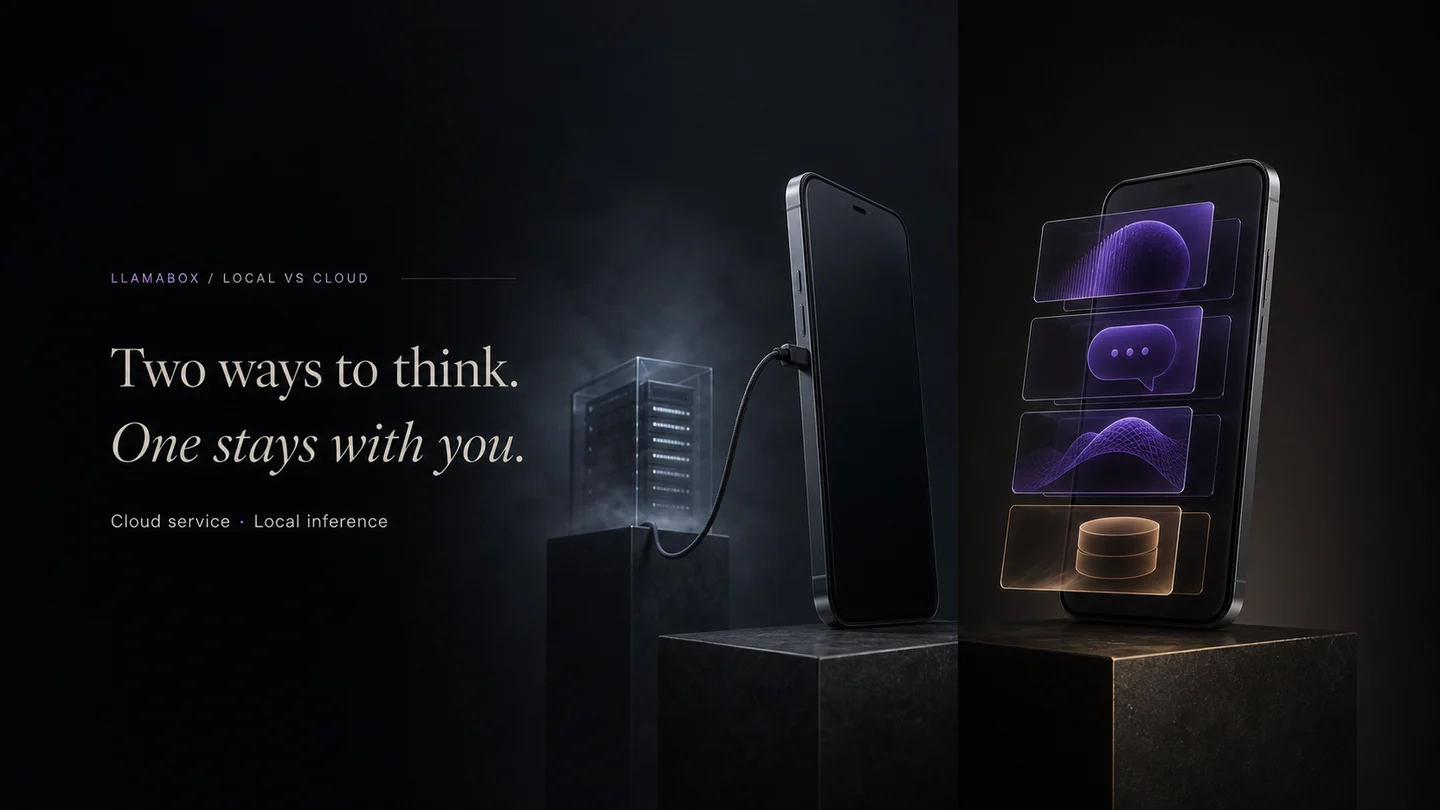
MLC LLM is a machine-learning compiler project: take a model, compile it for a target device, and push it toward the hardware’s limits. LlamaBox is a privacy-first chat app: download a GGUF, load it, and chat offline on Android.
Different layers of the stack
MLC LLM is infrastructure. Developers use it to ship models in apps, browsers, and edge devices. LlamaBox is an end-user product built on llama.cpp + llama.rn. The comparison is really: “Do I want to build with MLC, or do I want a ready-to-use chat app that already handles models, history, and UI?”
For Android users specifically
| LlamaBox | MLC LLM / MLC Chat | |
|---|---|---|
| What you get | Chat app + model hub + offline history | Model runtime / reference app + pre-converted weights |
| Model format | GGUF via llama.cpp | Pre-compiled MLC weights (often from Hugging Face) |
| Hardware path | ARM CPU by default | CPU / GPU / NPU depending on compilation target |
| Customization | Import compatible GGUF models supported by the bundled llama.cpp build, subject to memory and architecture limits | Use supported prebuilt models or compile your own |
| Privacy stance | No accounts, no app analytics or conversation telemetry, no cloud inference | Depends on wrapper app; runtime itself is local |
When MLC LLM makes sense
If you are building your own Android app and need to squeeze every last token per second out of a specific SoC, MLC LLM is the deeper toolbox. If you just want private offline chat today, LlamaBox skips the compile step.
When LlamaBox makes sense
You want a chat history, vision support, and a model hub on a stock Android phone — including devices where GPU drivers are broken or missing. CPU by default; experimental acceleration may be available on supported devices is a compatibility choice.
Read more: GGUF on Android · LlamaBox architecture · blog version.
Try private offline AI on Android.
Install from Google Play, download a compatible model, then chat offline.