Models & memory · 3-page visual guide
Local AI: storage and RAM are different
A model file uses storage, while running it also needs working memory. A download that fits on your phone can still fail to load because of memory limits or model compatibility.
Preview the guide
Illustrative app visuals show setup and controls, not benchmark results. Read the key points below or open the original PDF.
Read the guide
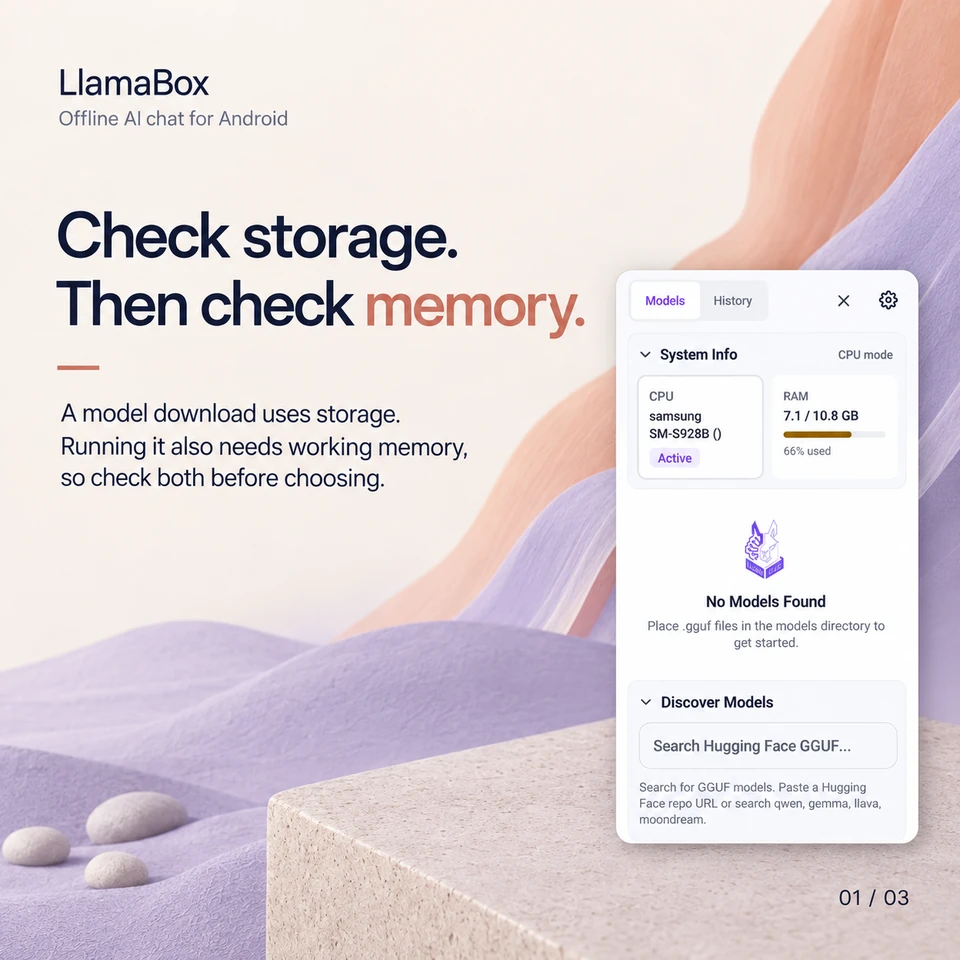
Check storage. Then check memory.
A model download uses storage. Running it also needs working memory, so check both before choosing.
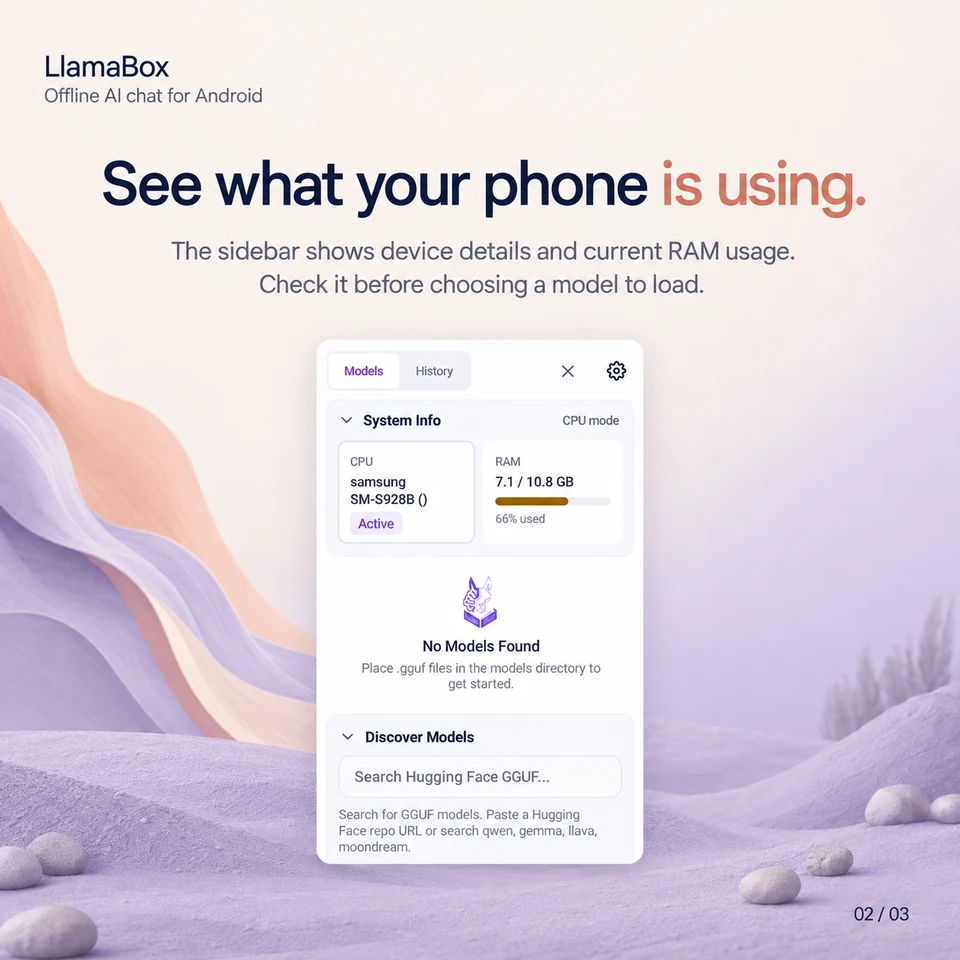
See what your phone is using.
The sidebar shows device details and current RAM usage. Check it before choosing a model to load.
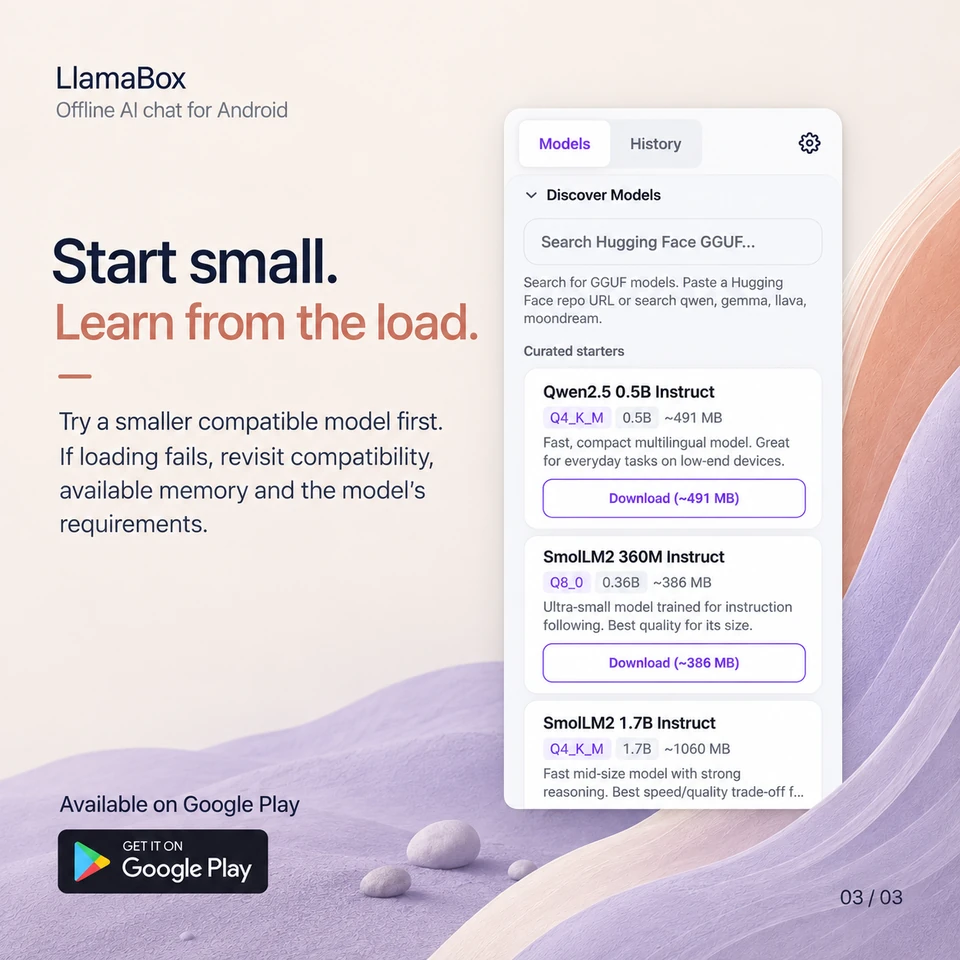
Start small. Learn from the load.
Try a smaller compatible model first. If loading fails, revisit compatibility, available memory and the model's requirements.
What should I check when a model will not load?
Check the exact model's compatibility, its memory requirements and your phone's available RAM. Start with a smaller compatible model if you are unsure.
Further reading: See the device-testing methodology. Product behavior: LlamaBox facts and privacy policy.
Available on Google Play
Try it on your Android.
Install LlamaBox, load a compatible model and start with one short task.