Models & memory · 3-page visual guide
Choose a GGUF model for your Android task
Choose a compatible model around a task you can evaluate. Compare the same question across models and consider whether each one loads reliably on your phone.
Preview the guide
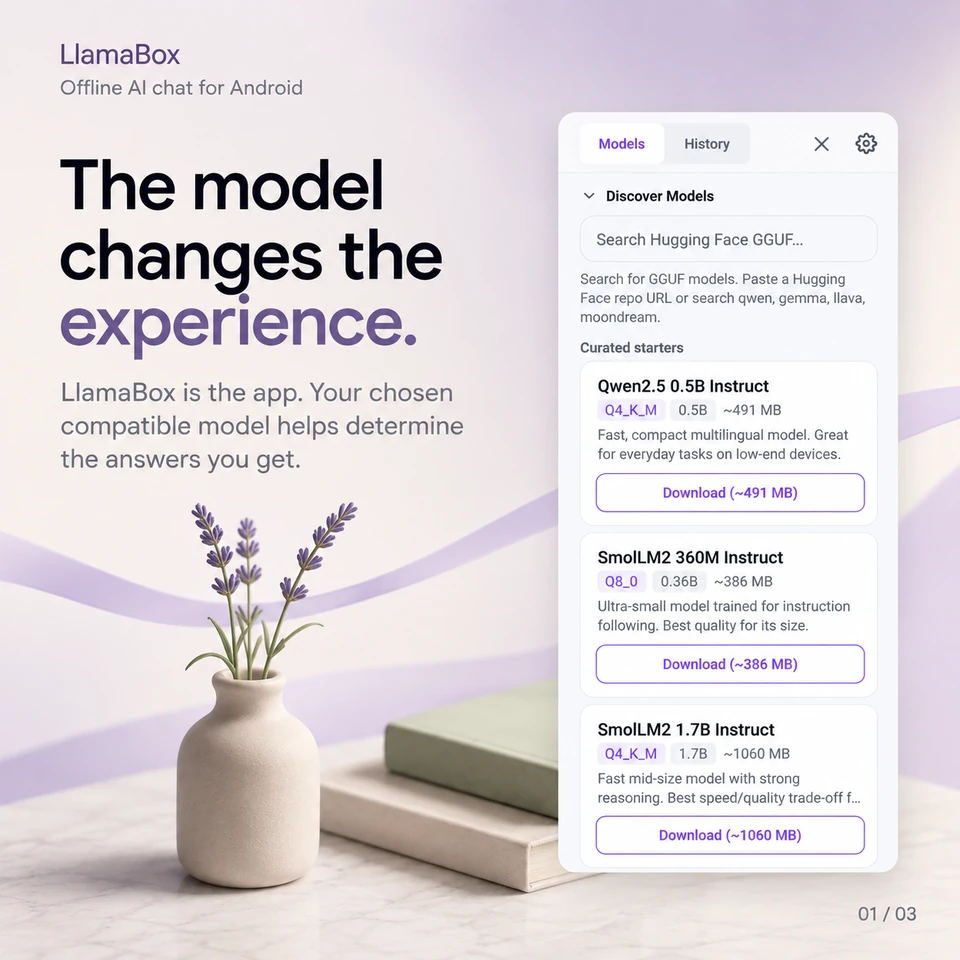
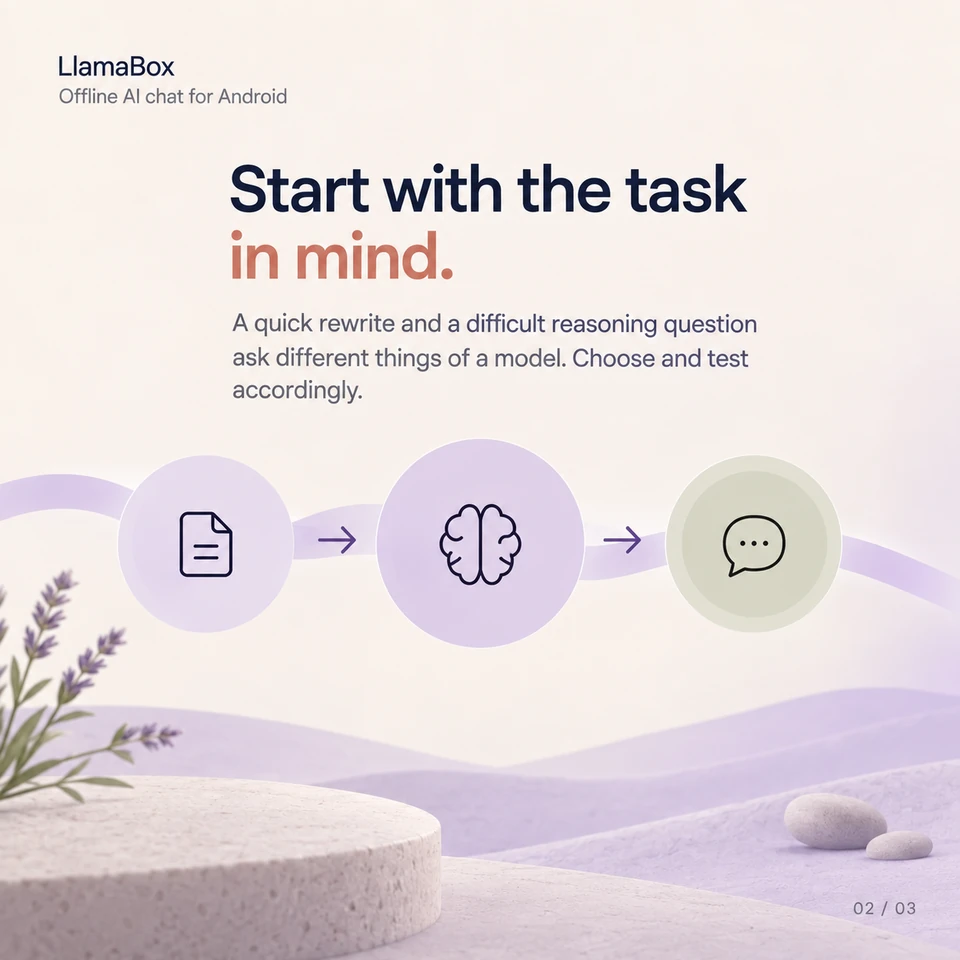
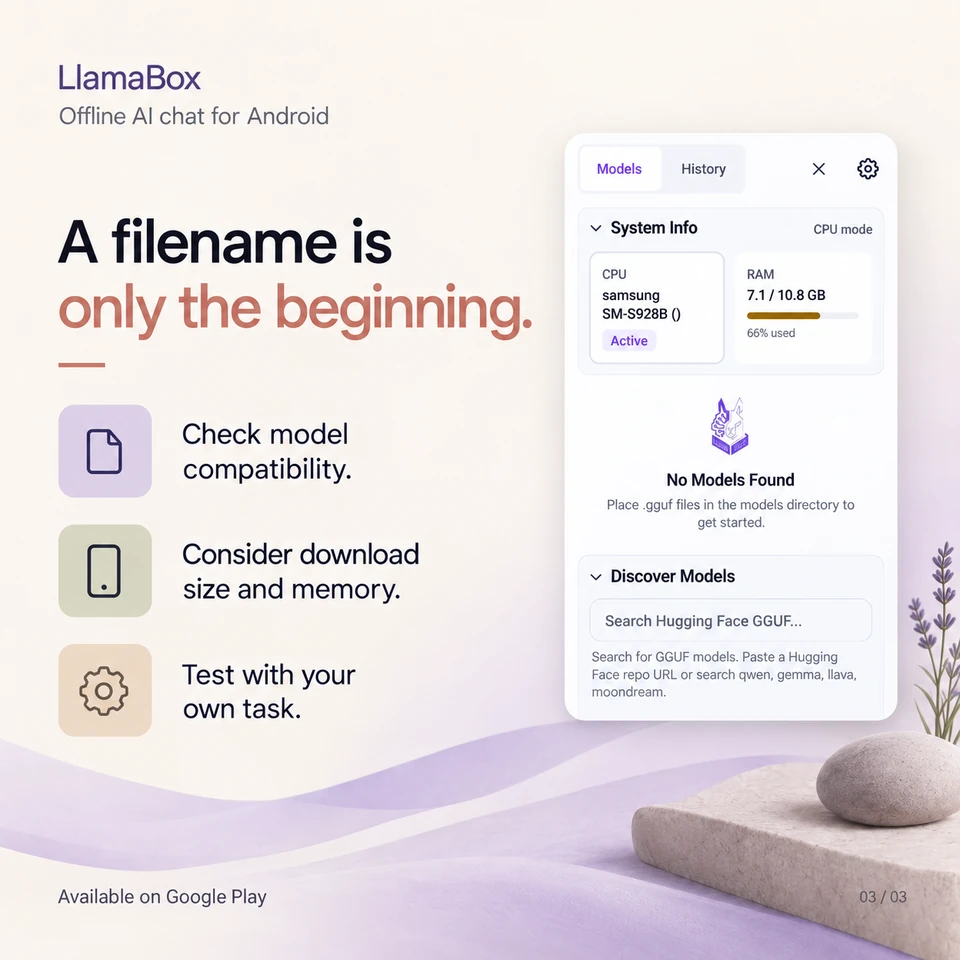
Illustrative app visuals show setup and controls, not benchmark results. Read the key points below or open the original PDF.
Read the guide
The model changes the experience.
LlamaBox is the app. Your chosen compatible model helps determine the answers you get.
Start with the task in mind.
A quick rewrite and a difficult reasoning question ask different things of a model. Choose and test accordingly.
A filename is only the beginning.
- Check model compatibility.
- Consider download size and memory.
- Test with your own task.
Does a larger model always give a better result?
No single model is best for every task and device. Compatibility, available memory, context settings and the quality of the answer all matter.
Further reading: Explore model compatibility. Product behavior: LlamaBox facts and privacy policy.
Available on Google Play
Try it on your Android.
Install LlamaBox, load a compatible model and start with one short task.