Available on Google Play · Android 7.0+ · arm64

AI that never leaves your phone.

Run compatible GGUF models directly on Android with llama.cpp. Chat offline without uploading your conversations or creating an account.

  • On-device inference
  • No account required
  • Offline after model download
  • Compatible GGUF models

Private by design

The box is open.

Your conversations, models, and inference remain on your Android phone.

Get it on Google Play

Cloud AI asks you to trust a server.
LlamaBox lets you test the device.

Privacy is not a policy paragraph — it is the architecture. Inference has no LlamaBox server dependency, so you can switch the network off and check.
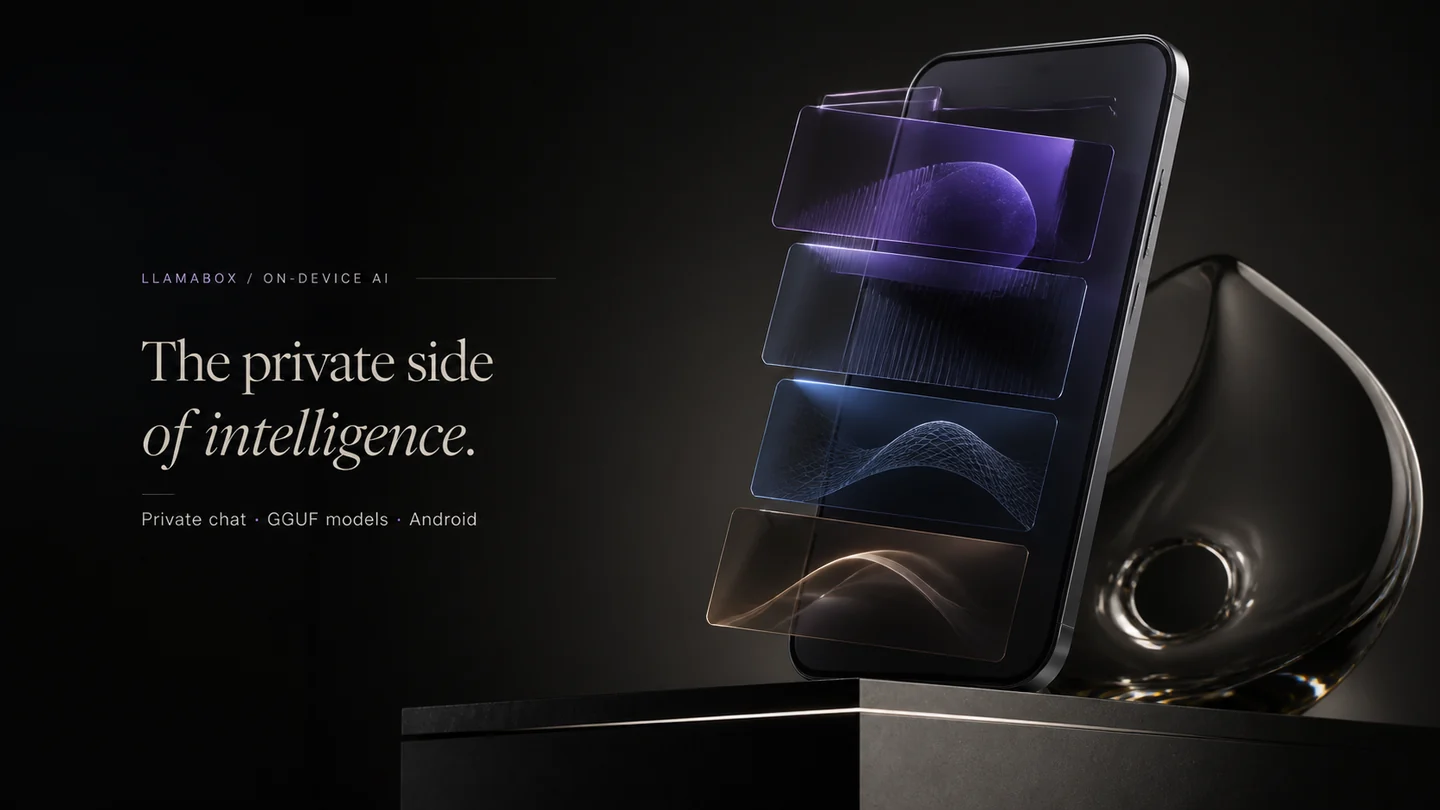
An Android phone with layered glass forms representing private AI capabilities running on the device.
Public release

Already running on real Android phones.

LlamaBox is publicly available on Google Play. Install the app, download or import a compatible model, and start chatting offline. Device compatibility and performance testing continue.

Testing status

  • Available on Google PlayInstall the public Android app. No tester invitation is required.
  • Device compatibility testing continuesModel loading, offline generation and performance vary by phone and model.
  • Public source release plannedThe app source is not yet public. An AGPL-3.0 release is planned; no date is announced.

Verified test data

Not yet published
Devices tested
Not yet published
Android versions
Not yet published
Models tested
Not yet published
Crash-free sessions

We publish these only once they are measured on real hardware. See tested devices for the data schema and methodology.

Use cases

Built for moments when the cloud is the risk.

Not another chatbot wrapper. A local reasoning engine for people who need control, continuity, and silence.

Air travel, field reporting, study and remote travel scenes show practical uses for local AI.
01

Airplane & offline travel

Draft emails, summarize notes, and brainstorm when Wi‑Fi is a myth. Model stays on the handset.

Travelers · digital nomads
02

Journalism & sources

Work with sensitive quotes and drafts without routing text through a third-party model API.

Reporters · researchers
03

Student study buddy

Explain concepts, quiz yourself, rewrite notes — without selling your study history to an ad stack.

Students · lifelong learners
04

Vision on the go

Photograph a whiteboard, receipt, or diagram. Compatible multimodal models describe it locally on CPU.

Field work · makers
05

Privacy-first personal AI

Journaling, health questions, private plans — LlamaBox does not upload conversations for cloud-model training.

Anyone who values silence
06

Developer sandbox

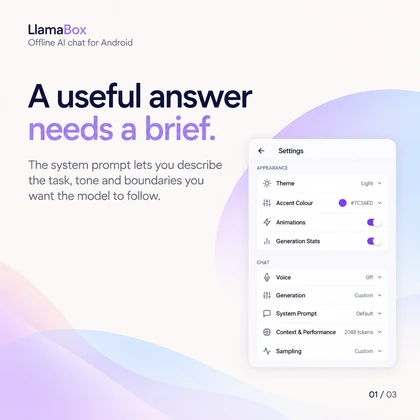
Experiment with GGUF models, sampling knobs, and system prompts on real mobile hardware.

ML tinkerers · OSS
07

Low-connectivity regions

Useful AI where bandwidth is expensive or censored. Download once; think offline afterwards.

Emerging markets · field ops
08

Hands-free voice readback

Generate a reply, then listen with system TTS while you walk, cook, or drive (safely parked).

Multitaskers
Product

Everything for private, on-device AI.

A complete local-LLM toolkit — models, chat, vision, voice, and visibility into what the phone is doing.
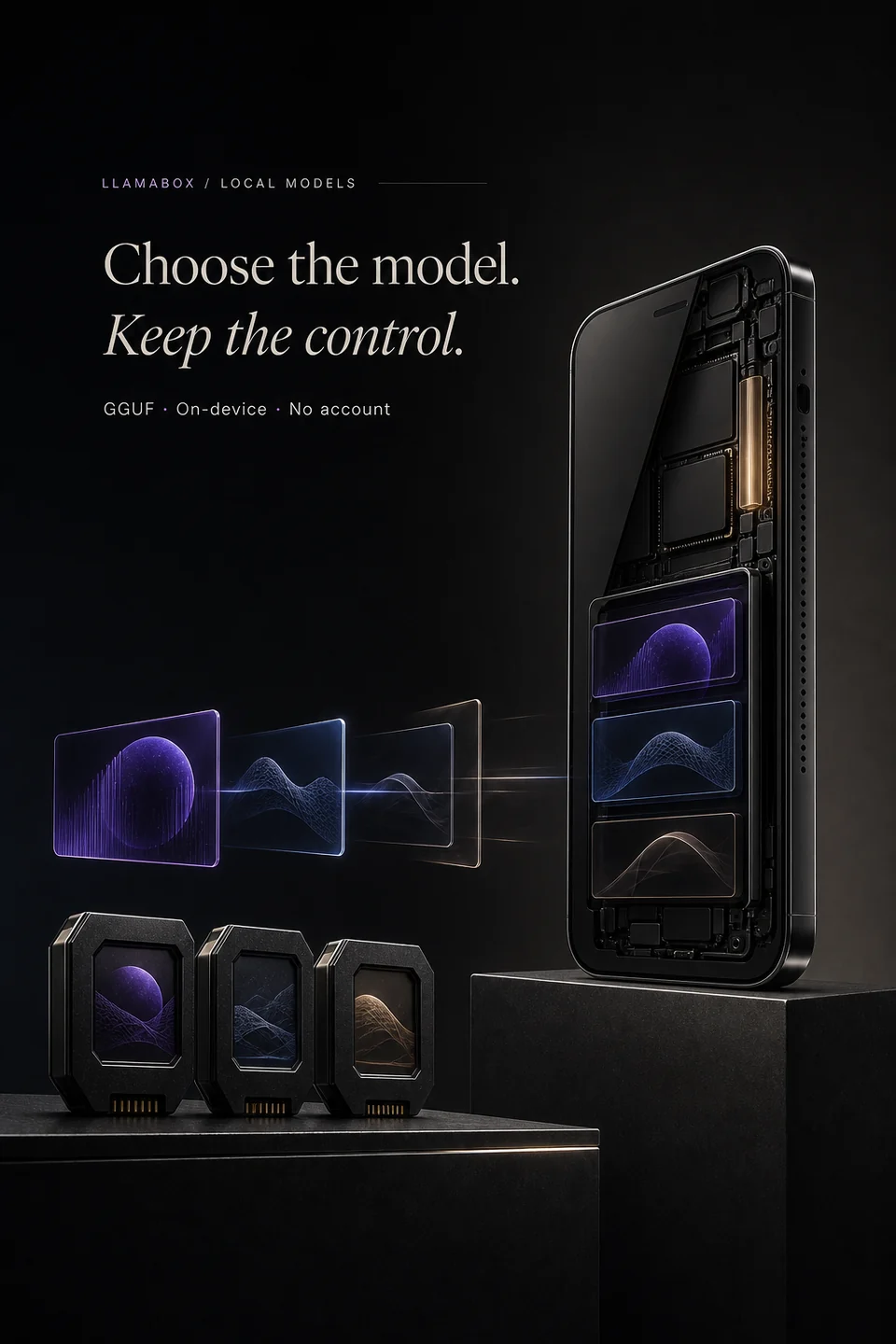
Compact model modules align with the internal layers of an Android phone.
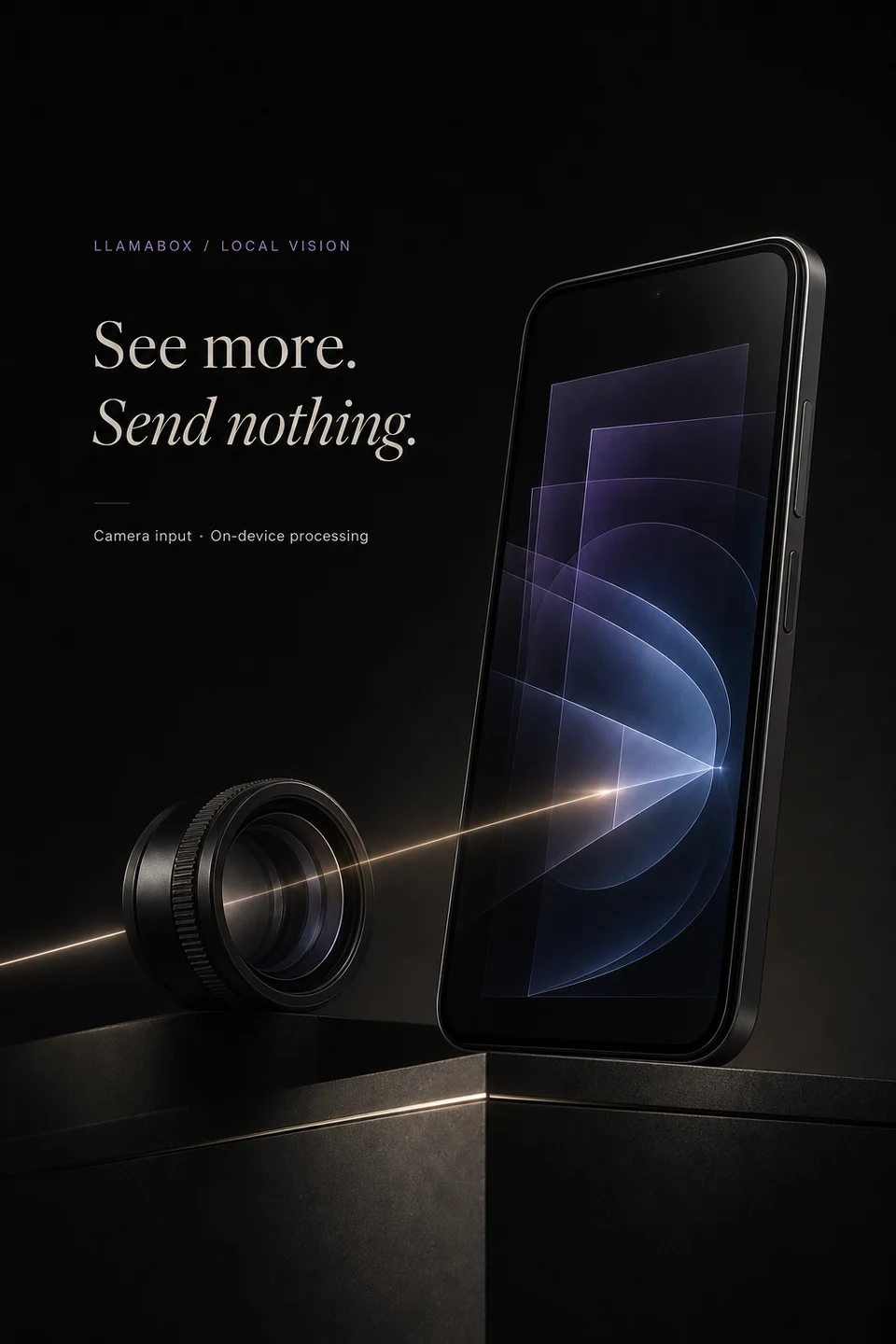
A camera lens sends light into a phone for local visual processing.
Core

Offline inference after setup

Once a compatible model is stored on the device, generation does not require the network. Airplane mode is a feature, not a failure state.

Multimodal

On-device vision

Camera or gallery → local encode → answer. Requires a compatible multimodal model and a matching projector. Image encoder is forced to CPU so the UI stays alive.

Model management

Download curated GGUF builds or import your own. Q4_K_M is recommended for mobile speed/quality — not a universal compatibility promise.

Voice output

System TTS reads answers aloud for hands-free follow-through. Behaviour depends on the Android TTS engine you have selected.

System monitor

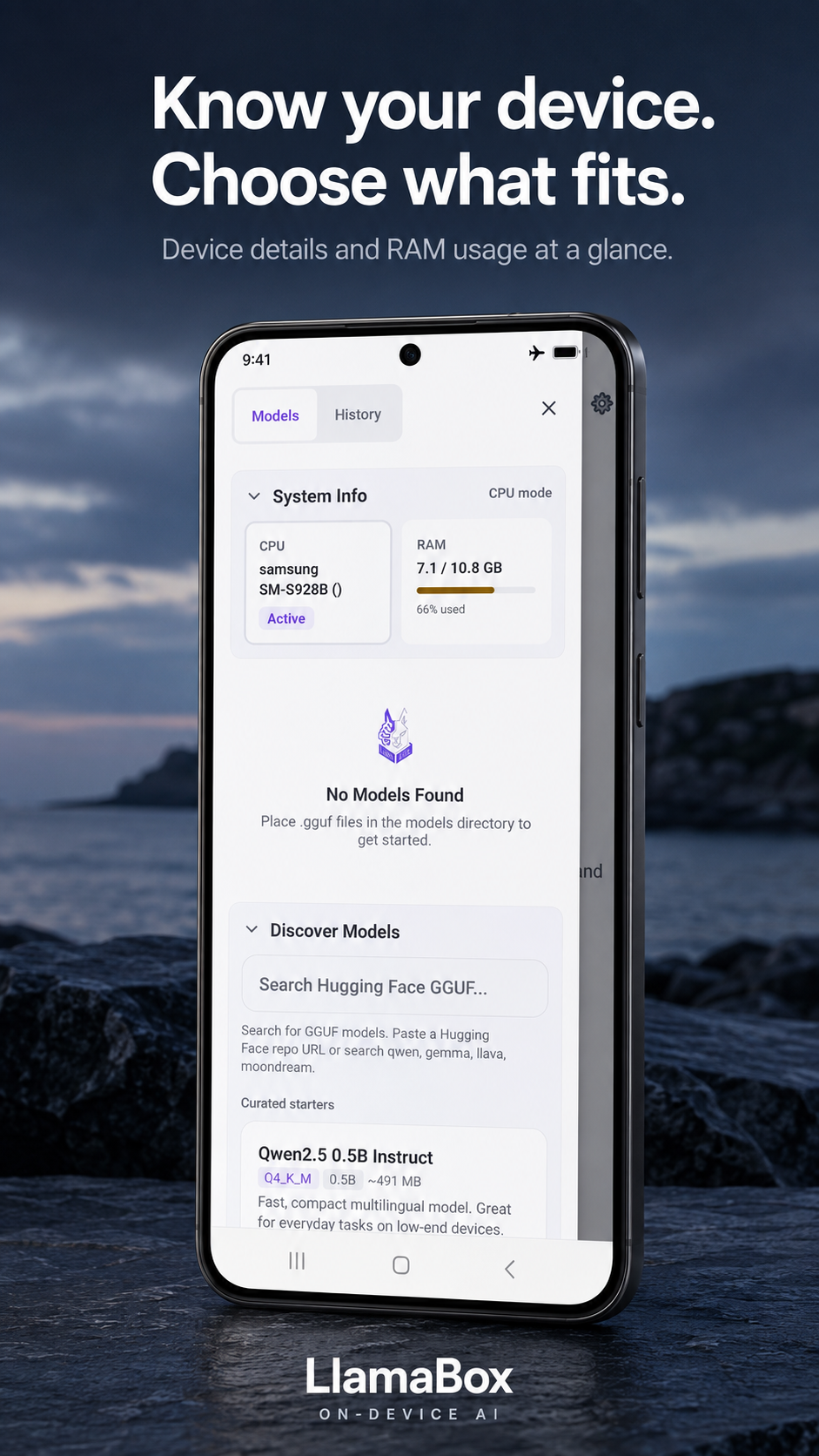
Live RAM / CPU insight while a model is loaded — know what your phone is carrying.

Engine

llama.cpp · React Native New Architecture

JSI/TurboModules for streaming tokens without legacy bridge tax. Zustand + SQLite + AsyncStorage — each store does one job well.

Scope

CPU by default; experimental acceleration may be available on supported devices

A compatibility trade-off, not a speed claim. Avoiding device-specific acceleration means fewer dependencies and broader Android support.

How it works

Three steps. Then silence.

From install to private chat without wiring your life to someone else’s compute cluster.

01

Get it on Google Play

Android 7.0+ arm64. Install from Google Play — package com.llamabox.

02

Load a GGUF model

In-app download or import. Start small (~0.5–1B Q4) on mid-range phones.

03

Chat offline

Optional airplane mode. Tokens generate on-device; history stays in local SQLite.
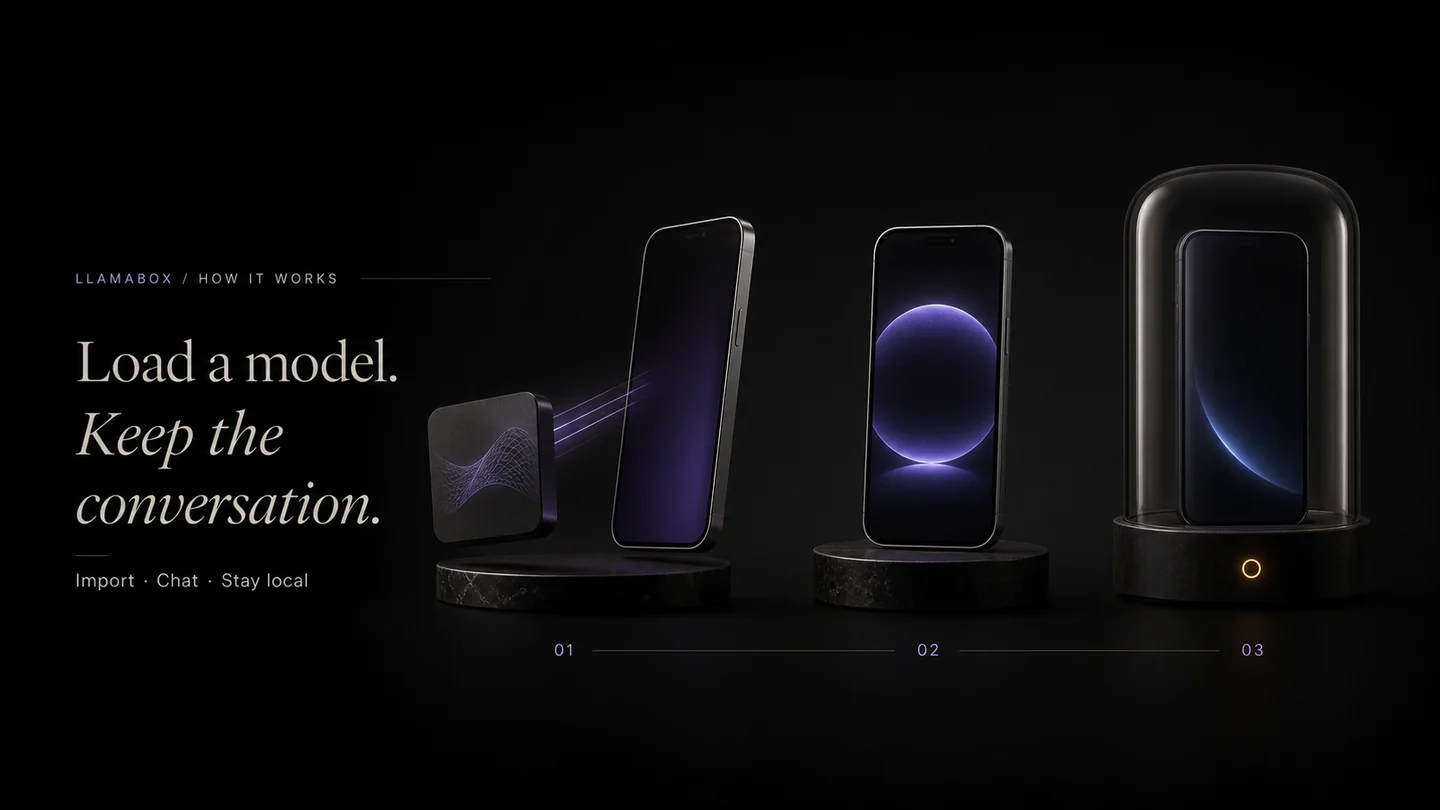
Three product stages show importing a model, chatting and keeping the conversation local.
Verification

What “on-device” means in LlamaBox.

Specific, checkable statements instead of adjectives. Where a claim cannot yet be verified from public source, we say so.
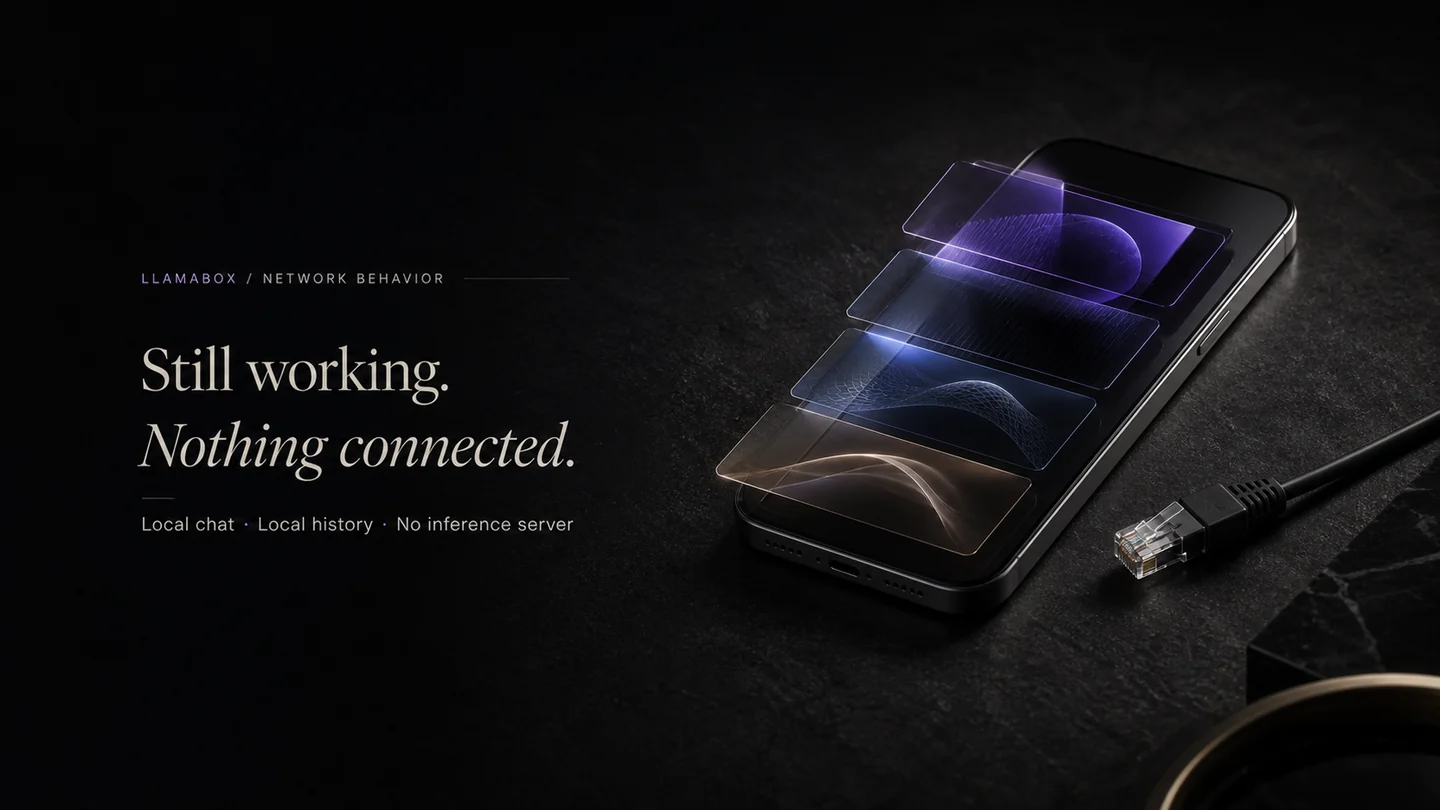
A phone remains active beside a visibly disconnected network cable.

The claims

Generation
Bundled local llama.cpp
Model weights
Stored on the device
Chat history
Local SQLite
Account for local chat
Not required
Network for model download
Required, user-initiated
Airplane-mode generation
Works once a model exists
Usable model size
Limited by device RAM
Compute
CPU by default
Vision
Needs matching projector

Don’t trust the claim. Verify the behavior.

  1. Download or import a compatible GGUF model.
  2. Start a conversation and confirm you get a response.
  3. Enable airplane mode.
  4. Continue generating — inference proceeds on-device.
  5. Inspect Android per-app network activity if you want independent confirmation.

Full detail: network behavior · architecture · privacy · llms.txt · tested devices

The visual guide library

A clearer start with local AI.

Read 10 short guides, preview the illustrated pages and keep the original PDFs. No signup needed.

Browse all 10 visual guides

Product UI

Private AI that lives on glass.

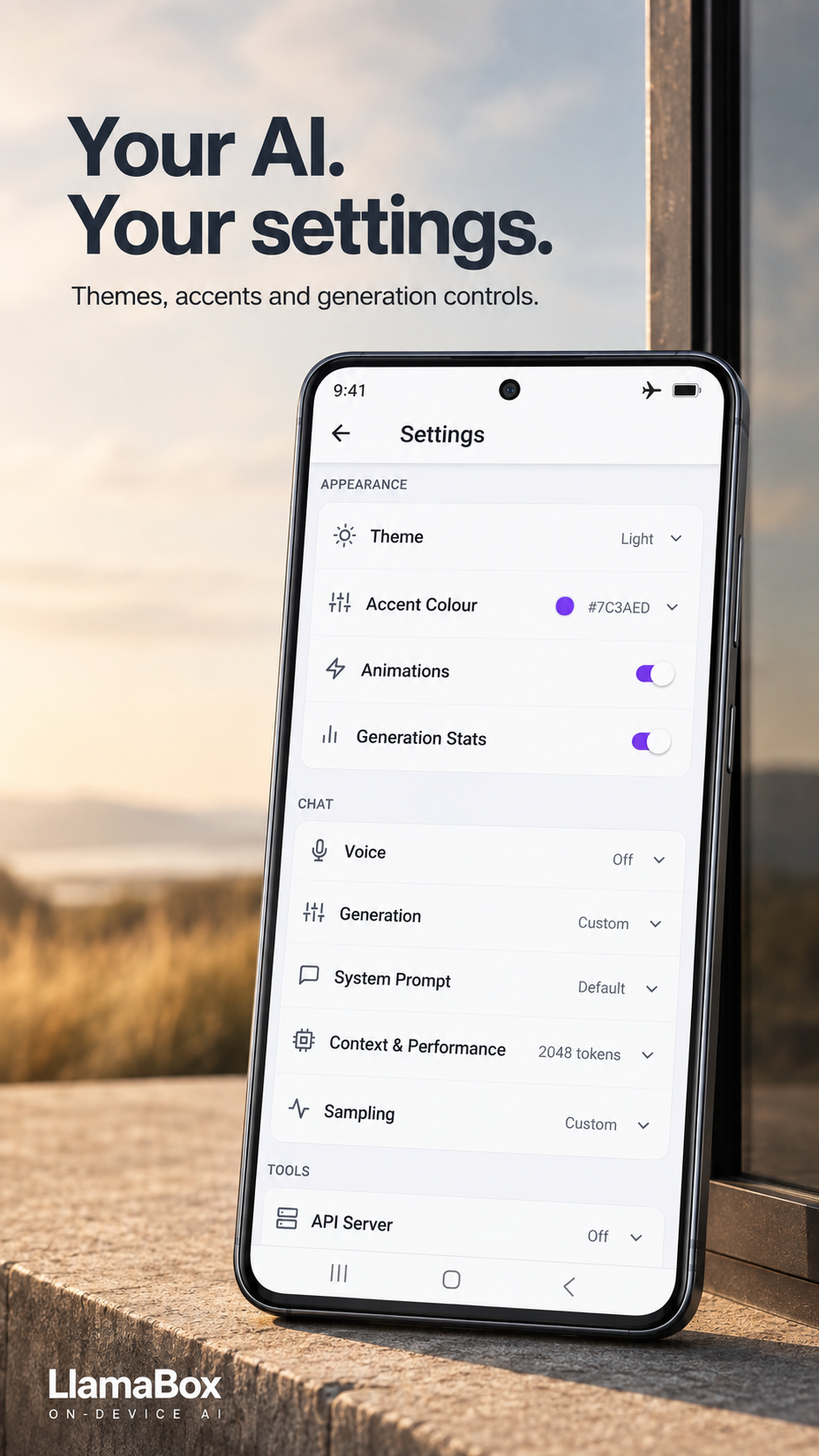
Explore models, device information and generation controls. Select a product preview to view it full size.
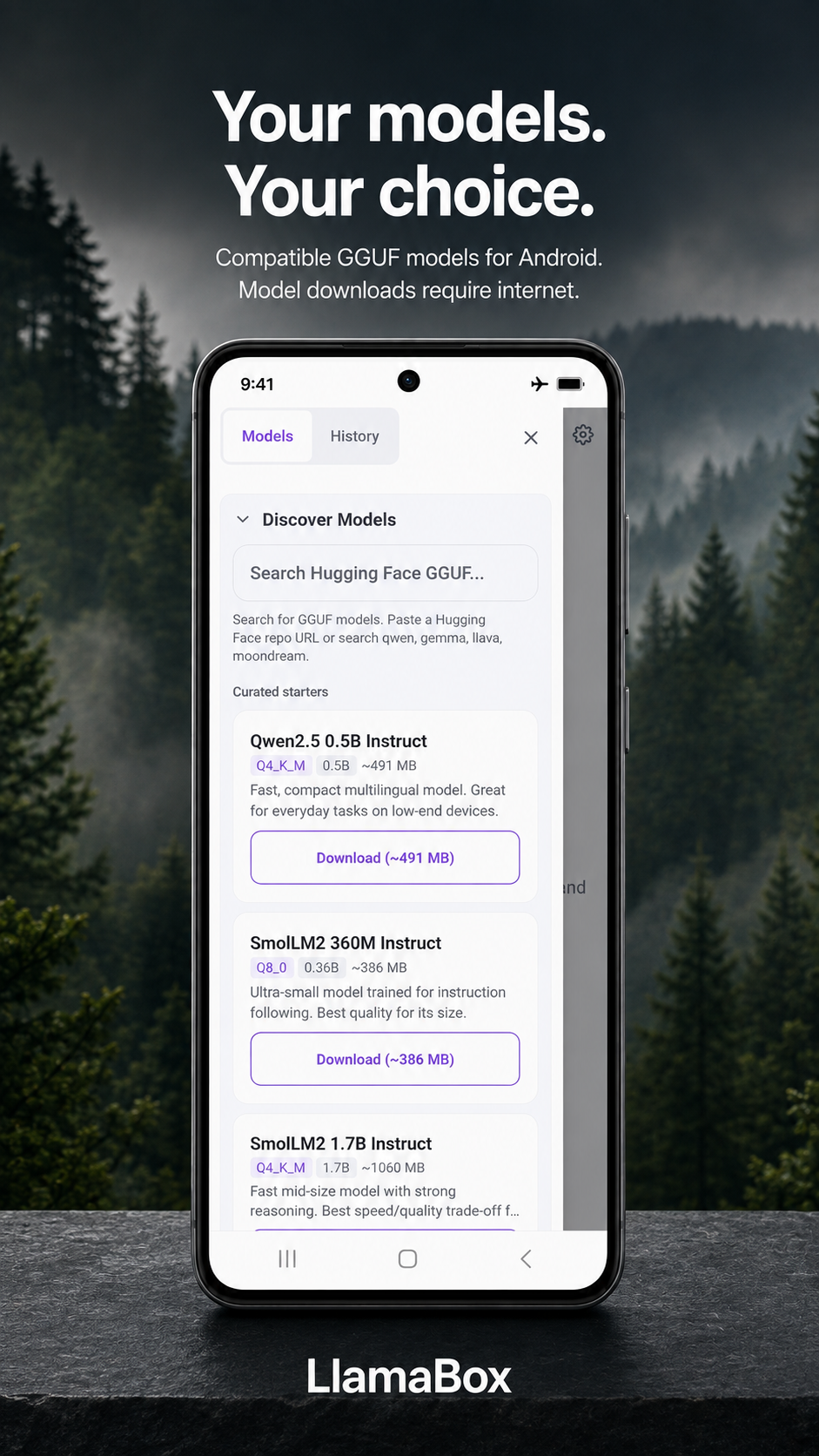
Product preview of LlamaBox model discovery with compatible GGUF downloads
Manage local models
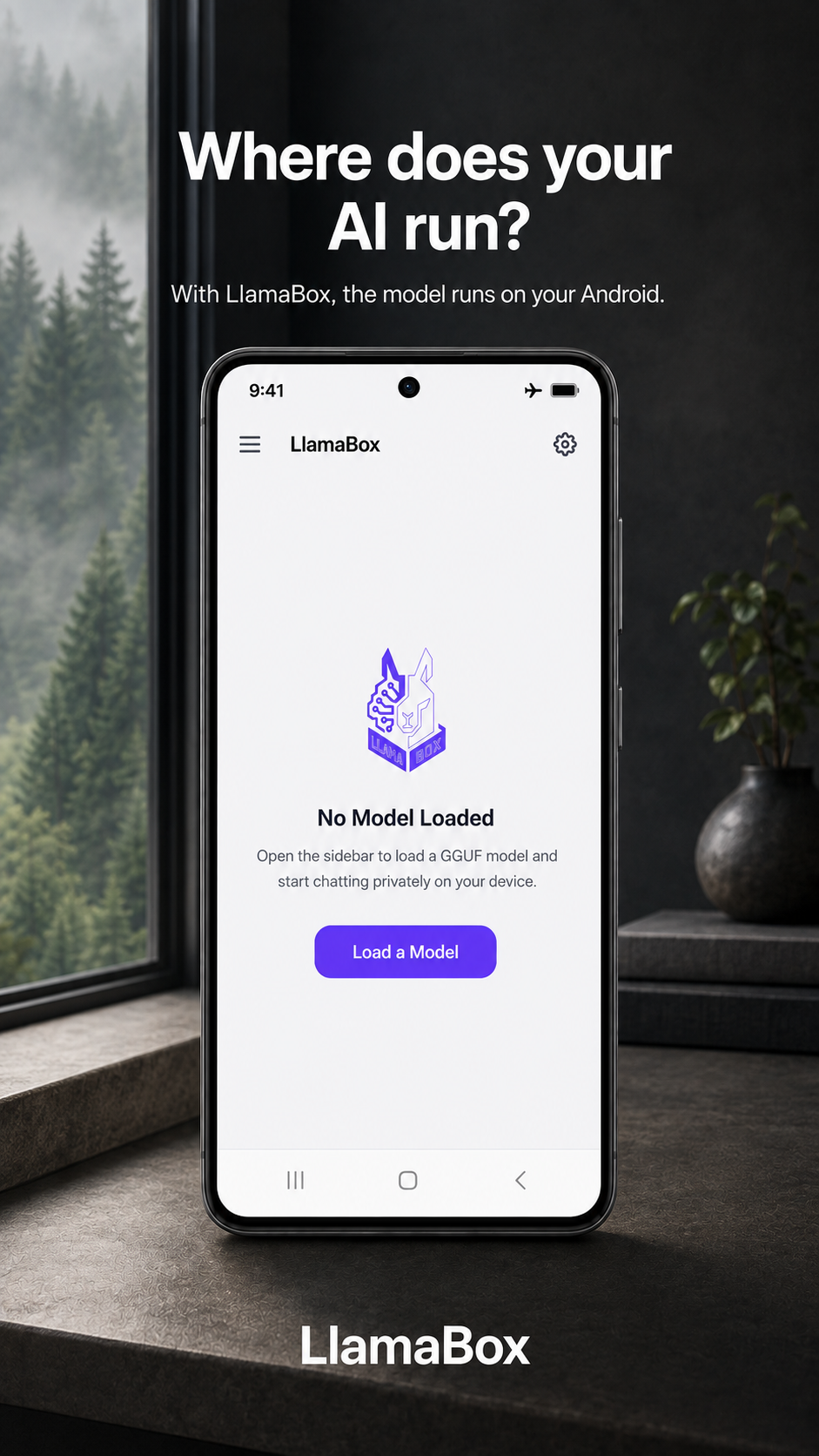
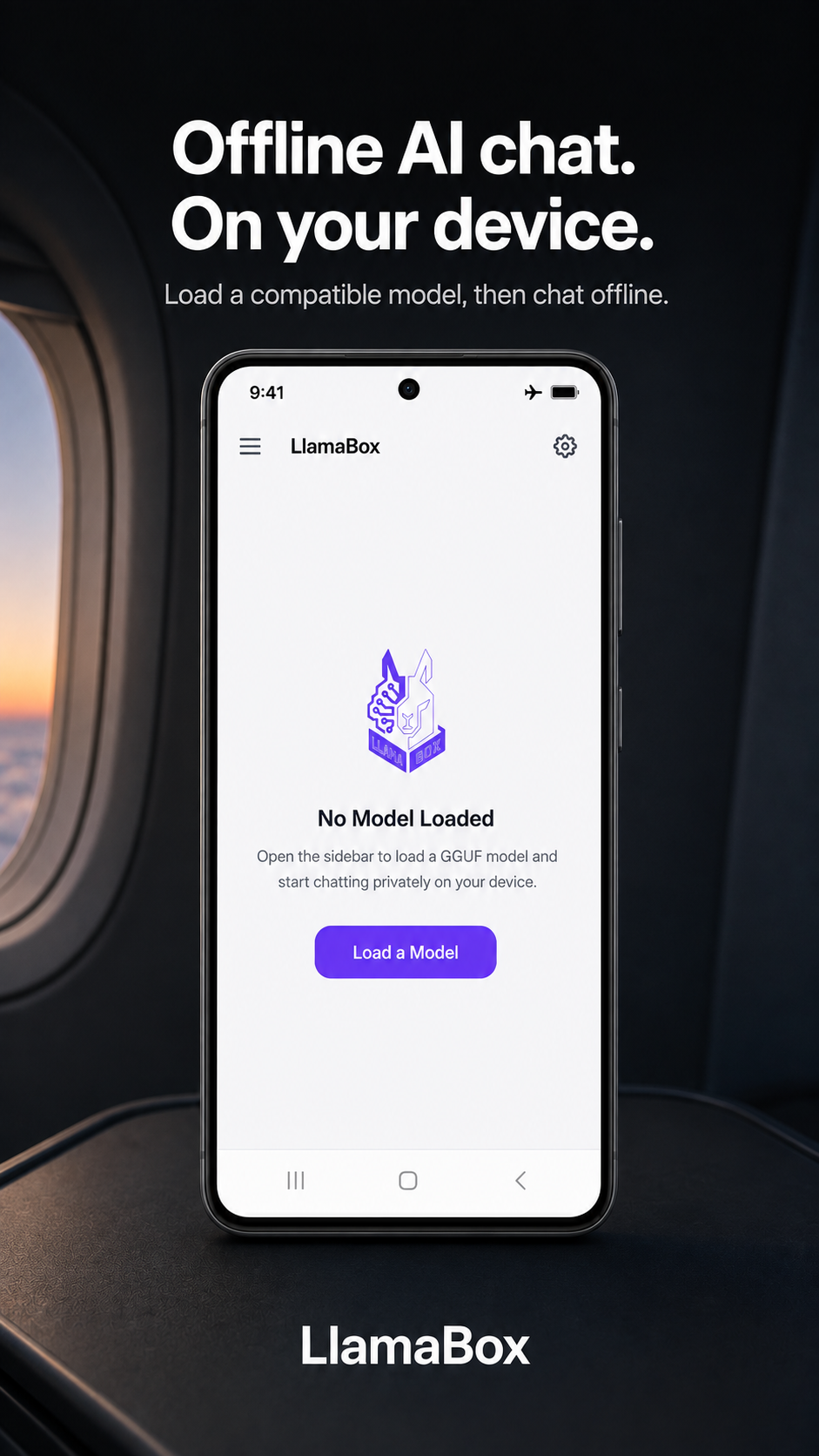
Product preview of the LlamaBox start screen before a model is loaded
Chat offline
Product preview of the LlamaBox sidebar with CPU mode and RAM usage
Model sidebar
Product preview of LlamaBox appearance, generation, context and sampling settings
Generation settings
Product preview showing the LlamaBox model-loading screen on an Android phone
On-device AI
Performance · evidence

Measurements, not estimates.

Performance varies by phone, model, quantization, context and thermal state. Results appear only after a measured run is recorded.
A phone is surrounded by abstract instruments for load time, latency, memory and thermals.

Runtime today

Prompt processing
Not yet published
Token generation
Not yet published
Model load
Not yet published
Peak memory
Not yet published
Context default
2048 (4096 vision)
Compute
CPU · 4 threads · NEON
CPU by default; experimental acceleration may be available on supported devices — a compatibility trade-off that avoids device-specific acceleration dependencies, not a claim of higher speed.

Stack

App
React Native 0.81
Architecture
Fabric + JSI
Inference
llama.rn · llama.cpp
Models
GGUF (Q4_K_M recommended)
State
Zustand + SQLite
Package
com.llamabox
Target API
36 (min 24)

Deep dive: architecture docs · llms-full.txt for AI agents.

Compatibility evidence

This phone, this model, this result.

The most useful thing we can publish is a real measurement matrix. The component and schema exist now; rows appear as verified runs are recorded.
Four phones are paired with differently sized model objects in a neutral compatibility matrix.
Verified LlamaBox device and model compatibility measurements
Device Android RAM Model Quantization Load time Generation Result
No verified device measurements are published yet.
Device benchmark runs are being collected on real hardware. See tested devices for the schema, methodology and how to contribute a run.
  • Results vary by CPU, memory bandwidth, thermal conditions, context length and model architecture.
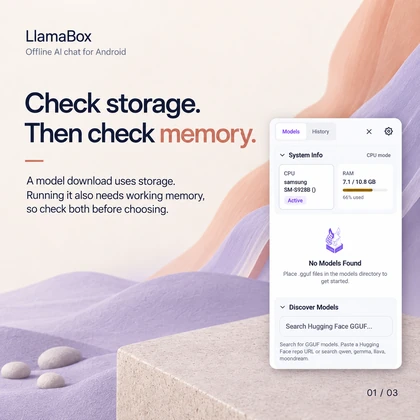
  • A model fitting in storage does not guarantee it will fit in usable RAM.
  • Q4_K_M is a recommendation, not universal compatibility.
  • Vision requires a compatible multimodal model and a matching projector.
  • LlamaBox supports compatible GGUF models handled by its bundled llama.cpp build, subject to model architecture, available memory and device limits.
Positioning

Why not just use ChatGPT?

Cloud assistants win on raw model size. LlamaBox wins when the data must not leave the room.
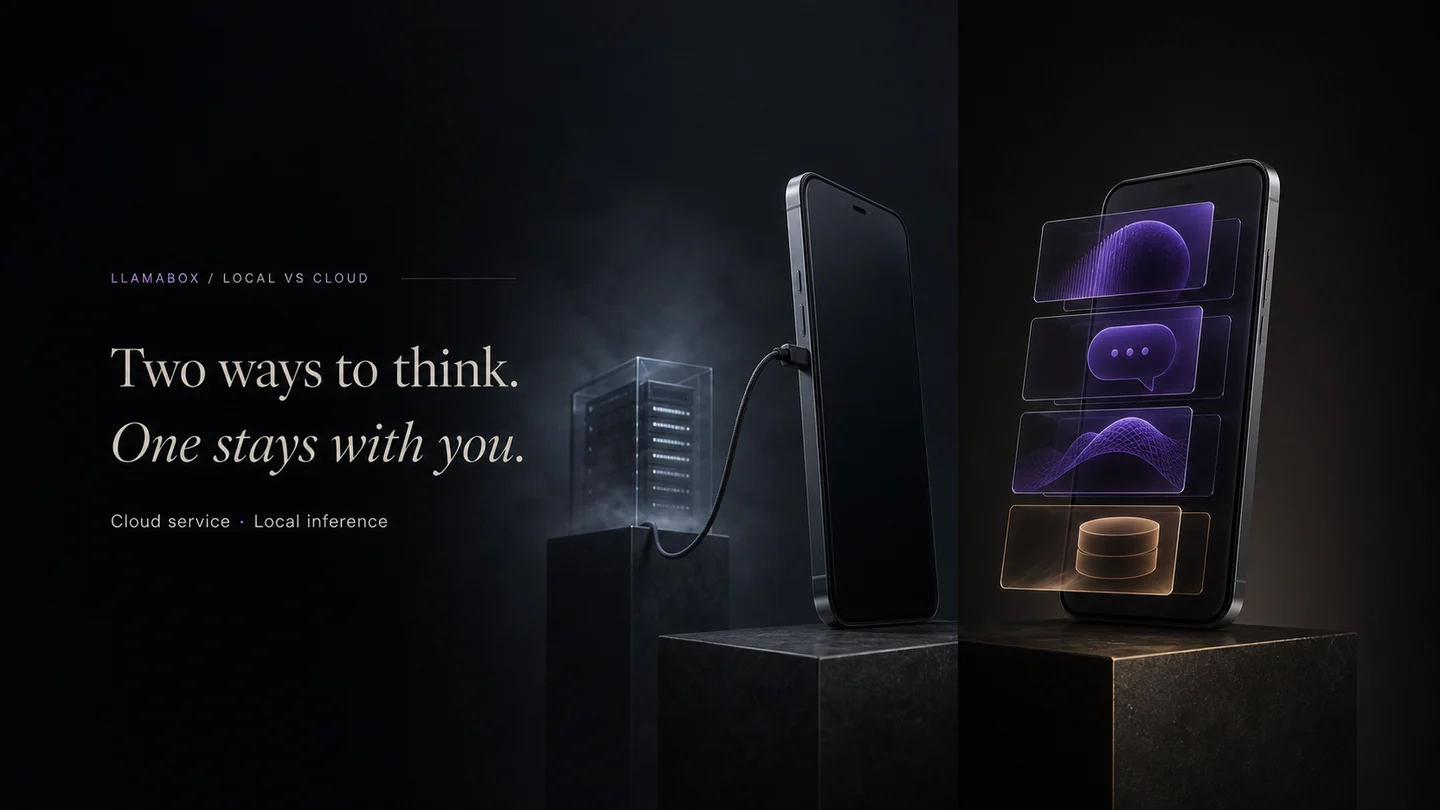
A cloud-connected phone is contrasted with a self-contained phone running local inference.
Capability LlamaBox Typical cloud AI app
Inference location On your phone Vendor servers
Works offline Yes, after a model is stored on the device No
Account required No Usually yes
Conversation telemetry No app analytics or conversation telemetry SDK Policy-dependent
Independently auditable Not yet — source release planned Trust the vendor
Largest frontier models Bounded by device RAM Yes
Vision on-device Supported with compatible model + mmproj Commonly processed on provider servers
Limitations

Local AI has real limits. We show them.

If a device cannot run a model well, we would rather you learn that here than after a 3 GB download.
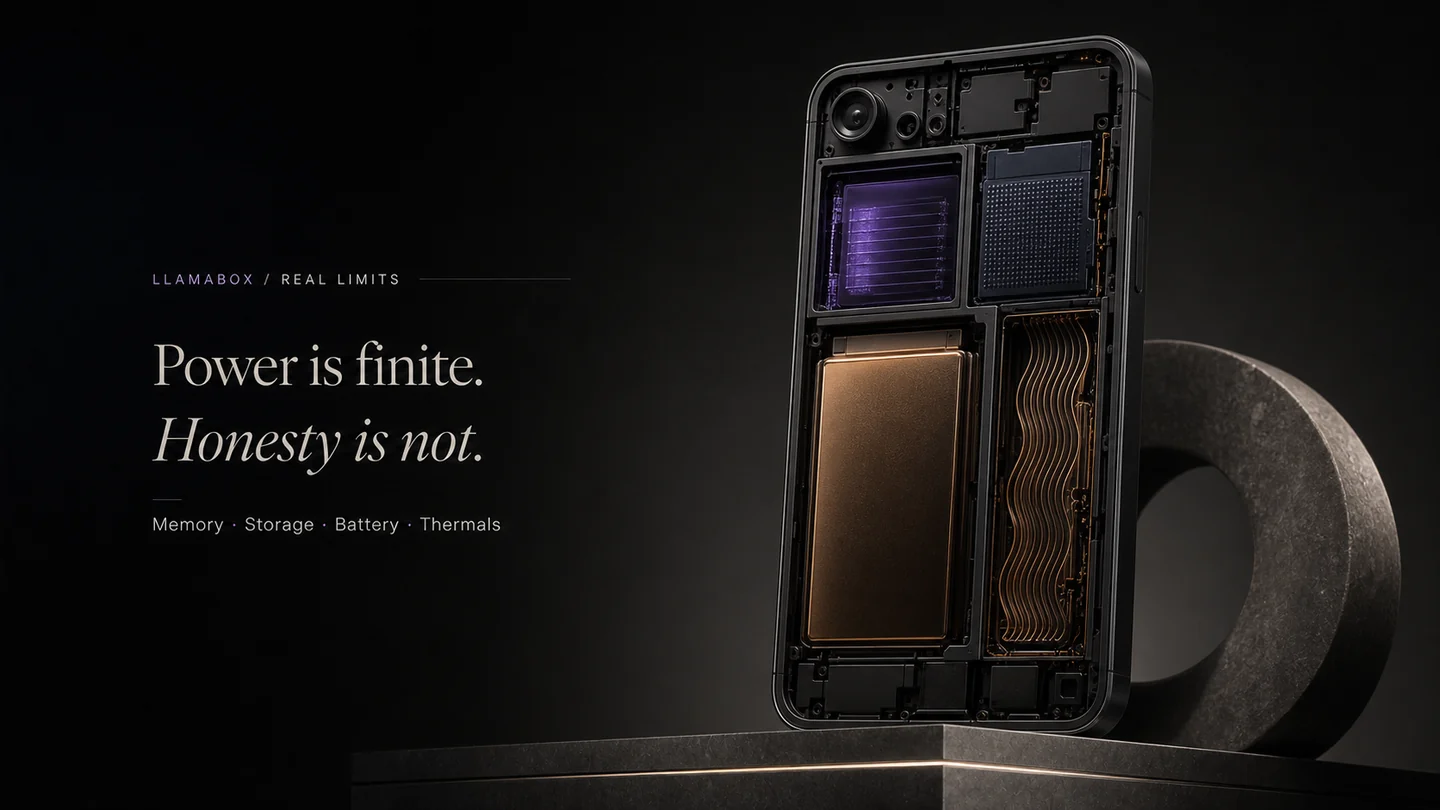
A phone cutaway represents finite memory, storage, battery and thermal capacity.

Smaller models

Local models are far smaller than frontier cloud systems. Expect weaker reasoning, less world knowledge and more errors.

Device-specific speed

Token rate depends on your specific CPU and memory bandwidth. There is no single number we can promise.

RAM constraints

Available RAM caps usable model size. Android may reclaim memory and interrupt generation.

Storage requirements

GGUF files run from hundreds of megabytes to several gigabytes.

Battery consumption

Sustained CPU inference drains the battery noticeably faster than ordinary app use.

Thermal throttling

Long generations heat the device; the SoC will slow itself down to compensate.

Slow prompt processing

Older devices process long prompts slowly, which delays the first token.

Architecture differences

GGUF is a container. Support depends on whether the bundled llama.cpp build handles that specific architecture.

Vision projectors

Multimodal use needs a matching mmproj file alongside the base model. Mismatches fail to load.

CPU-default generation

The current build does not use GPU or NPU acceleration.

Model licenses

Models carry their own licenses and usage restrictions, separate from the LlamaBox app.

First-load time

Initial download plus first model load is the slowest part of the experience.

Context: performance data · architecture · tested devices

FAQ

Questions, answered cleanly.

Citable facts for humans — and for answer engines via schema + llms.txt.
What is LlamaBox?
LlamaBox is an Android app that runs compatible GGUF language models on your phone using llama.cpp. Generation happens on the device, so chat does not require a LlamaBox server and no account is needed for local chat. Multimodal vision is supported with compatible models and a matching projector. LlamaBox is publicly available on Google Play.
Does LlamaBox need internet?
Not for chat, once a compatible model is stored on the device. A connection is needed only when you explicitly download a model, or when you use this website or the support email.
Is my data private?
The Android app does not upload chats, prompts or generated responses, and contains no analytics or crash-reporting SDK. Prompts, conversations and images stay in local storage. Separately, support email does send what you type in it — see the privacy policy for the exact boundary between the app, the website and the form.
What models can I run?
Compatible GGUF models supported by the bundled llama.cpp build, subject to memory and architecture limits. Prefer Q4_K_M. Small models (e.g. Qwen2.5 0.5B, SmolLM2 360M) suit mid-range phones. Vision needs a base model plus matching mmproj (e.g. Gemma 3 4B Vision).
Can it analyze images?
Yes with a compatible vision model and matching projector. Photo or gallery → local encoder (CPU) → text answer. Keeps the UI responsive by avoiding graphics contention.
Does it use the GPU?
No. The current Android build performs CPU-default inference. This is a compatibility trade-off — it avoids device-specific acceleration dependencies so the app runs on a wider range of hardware — not a claim that it is faster than accelerated runtimes.
Is it free / open source?
The app is provided at no cost; models carry their own separate licenses. On source: the Android app source is not yet public. It is planned for public release under AGPL-3.0, with a separate commercial license available. “LlamaBox” is a reserved trademark. Commercial enquiries: work.aalhad@gmail.com.
What Android versions?
Android 7.0 (API 24)+, arm64-v8a. The app targets API 36. iOS is a future target.
How do I get access?
LlamaBox is publicly available on Google Play. Install LlamaBox, then download or import a compatible model. No tester invitation is required.
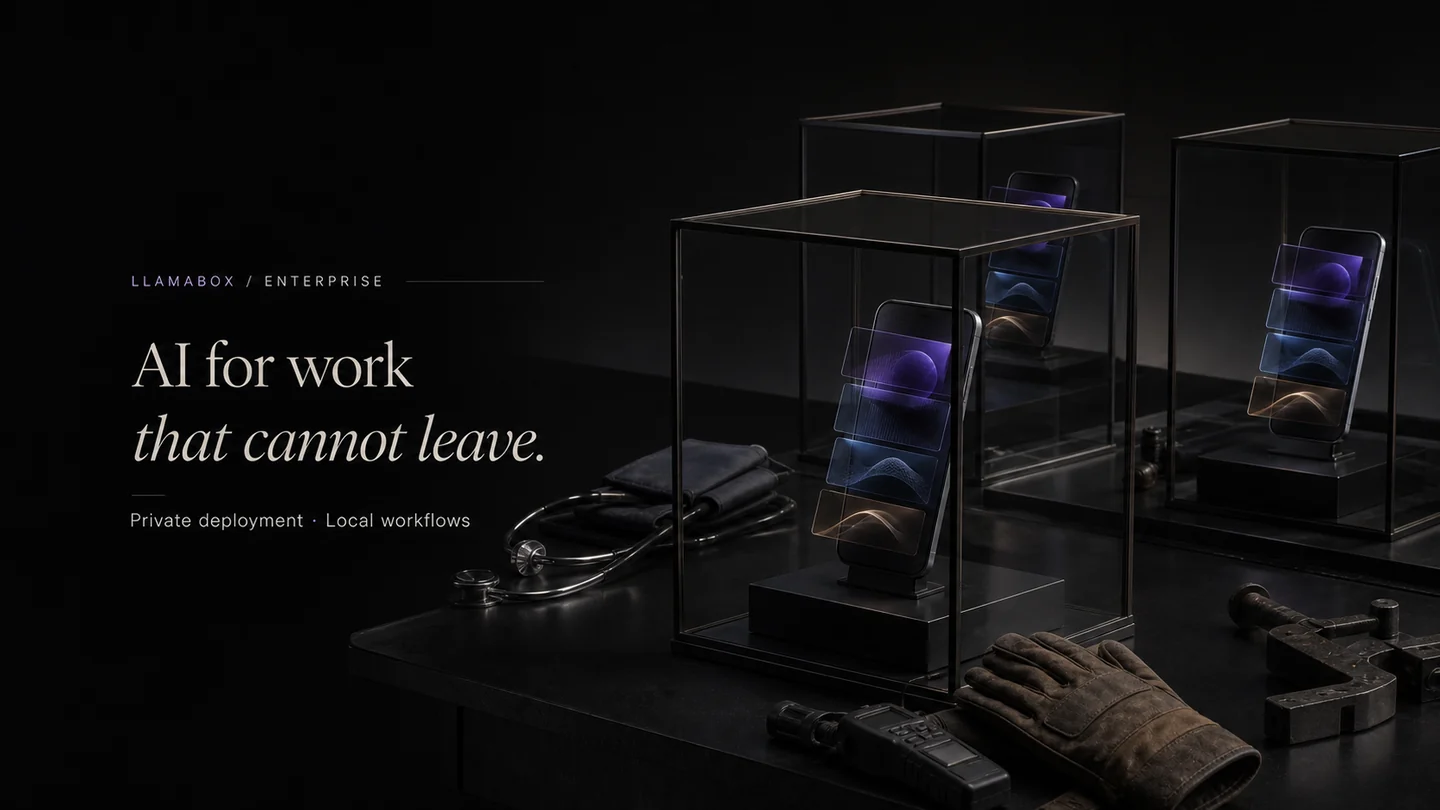
Android phones process information inside separate glass enclosures for private workflows.
For teams and builders

Deploy private, on-device AI in products and offline workflows.

Commercial licensing, enterprise deployment and OEM integration for managed devices, regulated environments and low-connectivity operations.
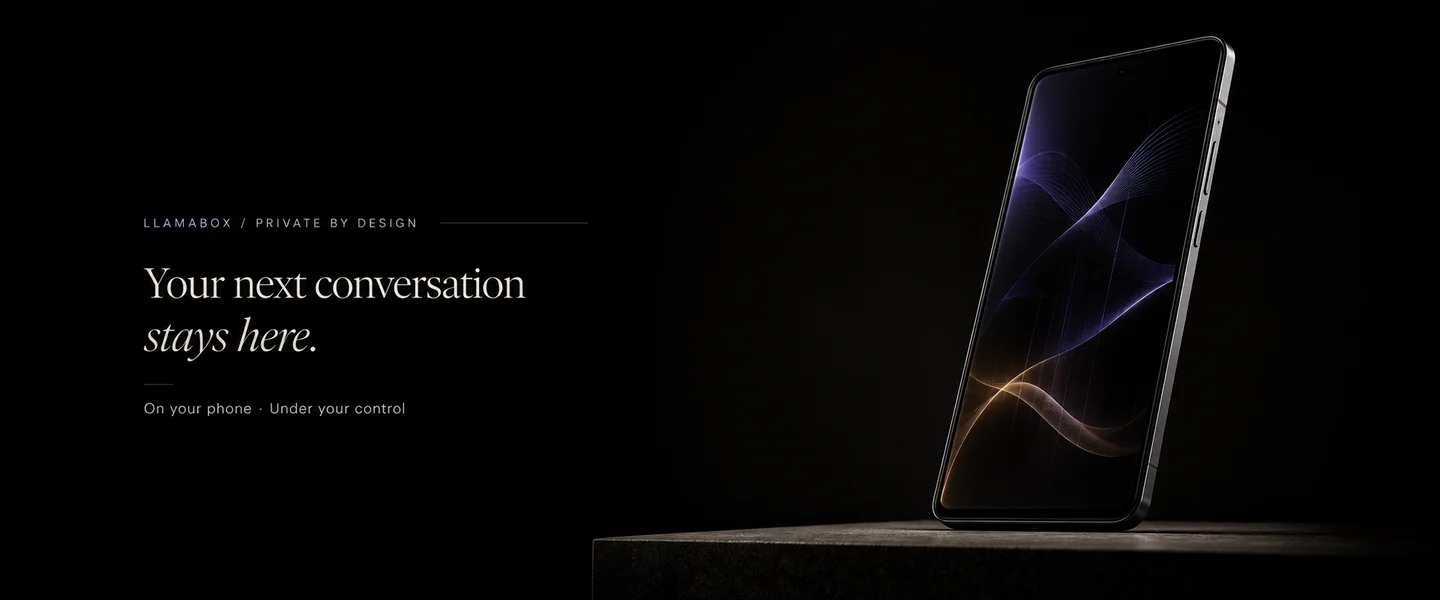
A single Android phone rests in darkness with an abstract conversation form contained on its screen.
Available on Google Play

Your next conversation doesn’t need a server.

Get it on Google Play. Bring a phone. Leave the cloud behind.